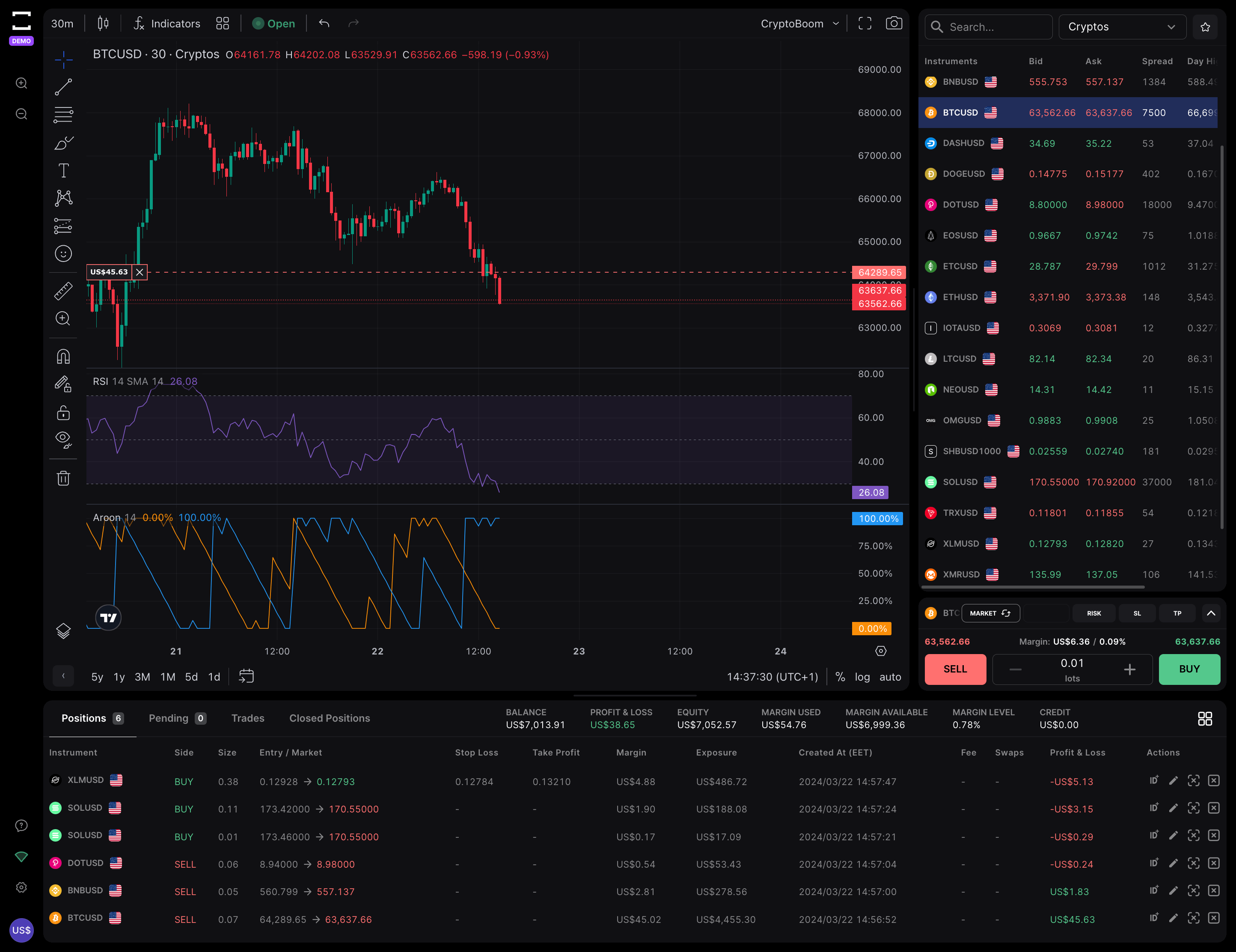
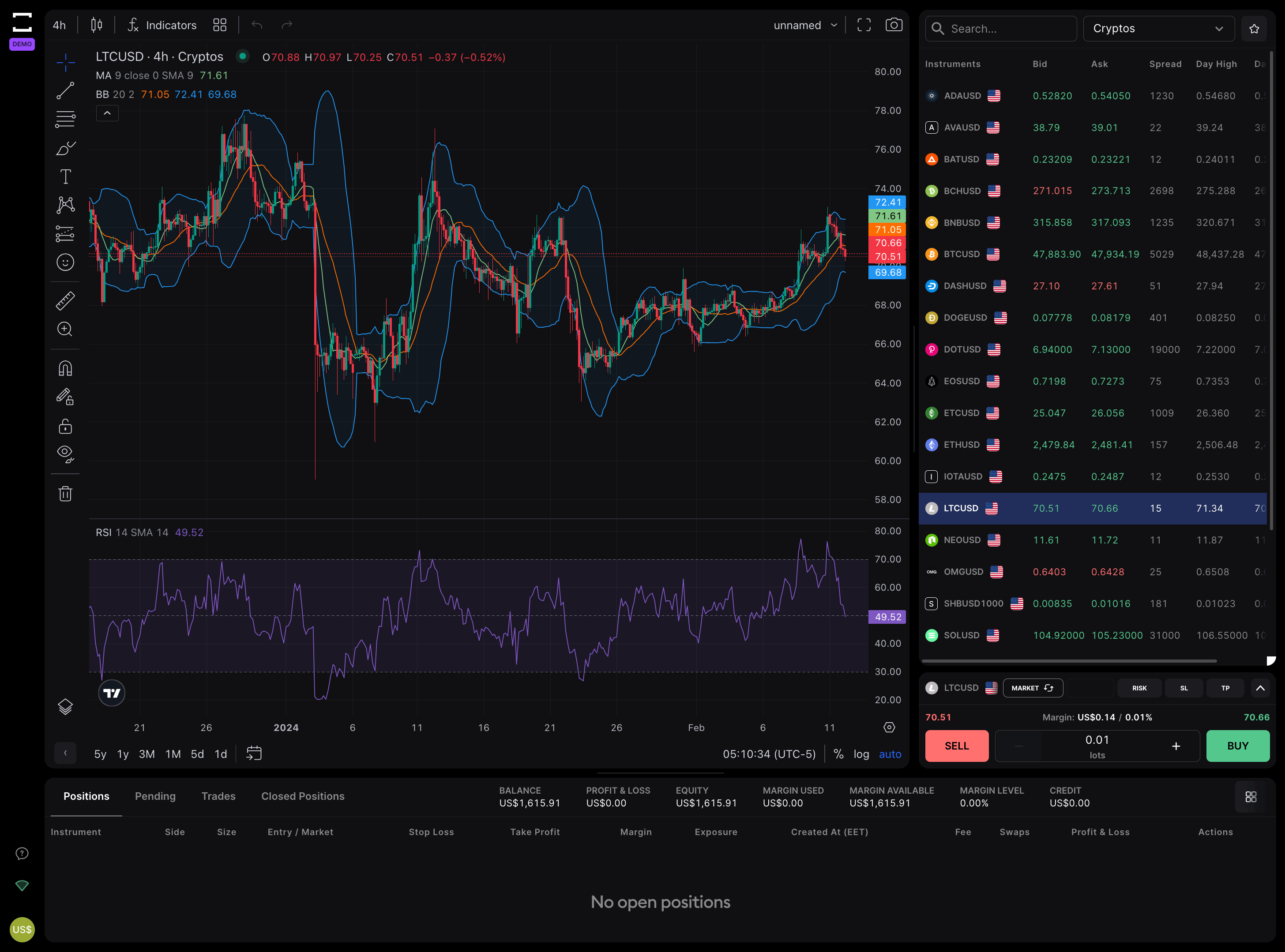
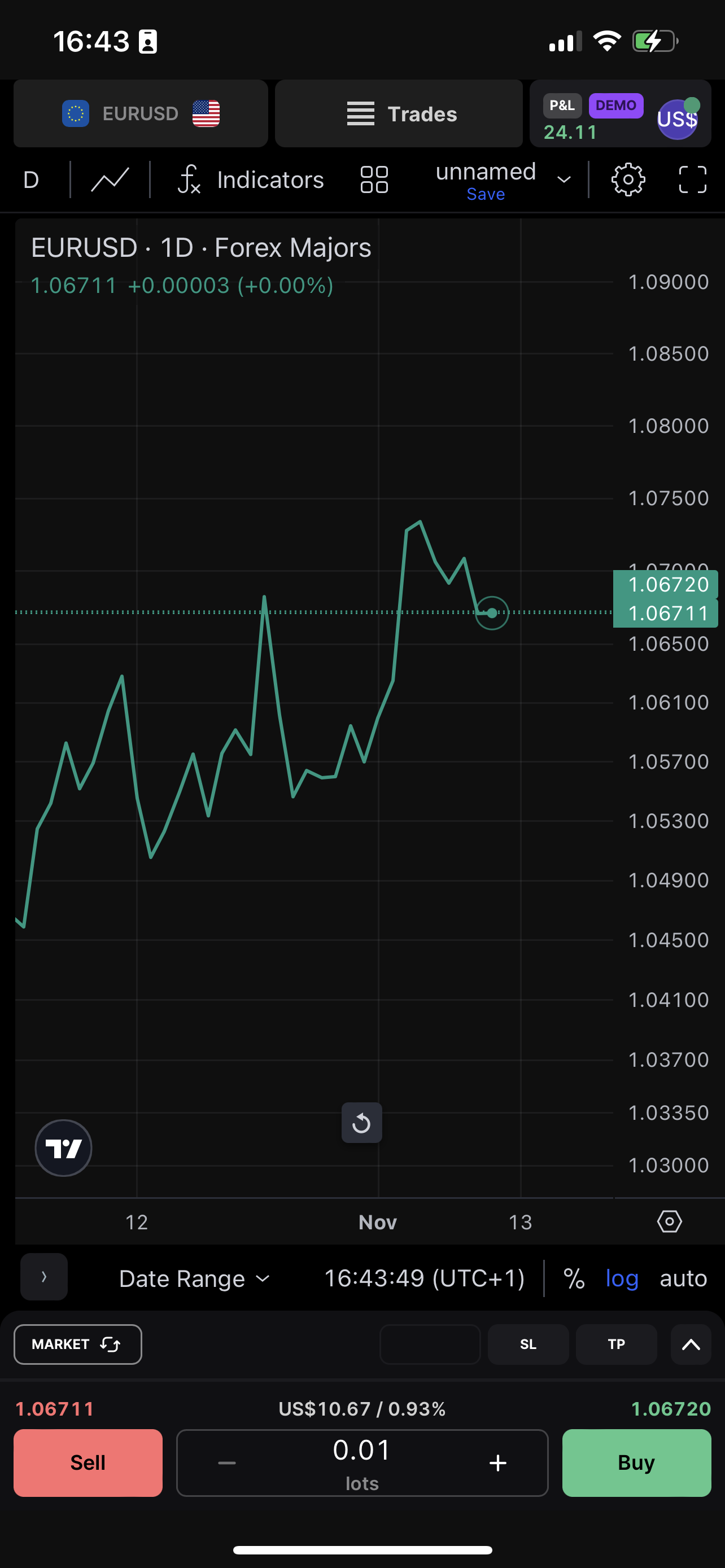
We have integrated TradingView charting to give you the full range of motion through your trading day.
Tools
Picture, mark, predict and analyze forex pairs.
Use more than 50 drawing tools for executing the best forex trading strategies. Here are the most commonly used from TradingView.
Trendline
Horizontal line
Paralel channel
Fib extension
Rectangle
Text
Gann box
Fib retracement
Timeframes
Get up to speed on all forex market timeframes.
Find all candles loading light speed whenever you need an information to make new decisions with.
Go to a specific date.
Go to the specific date of your chart without manually scrolling it. Select the desired date by using the bottom toolbar. You can also select custom date range.
Review a custom dateframe.
Just click on the Go to button, then select the Custom range tab and set two dates: “From” and “To” for the range you want to go to.
1D
5D
1M
3M
1Y
5Y
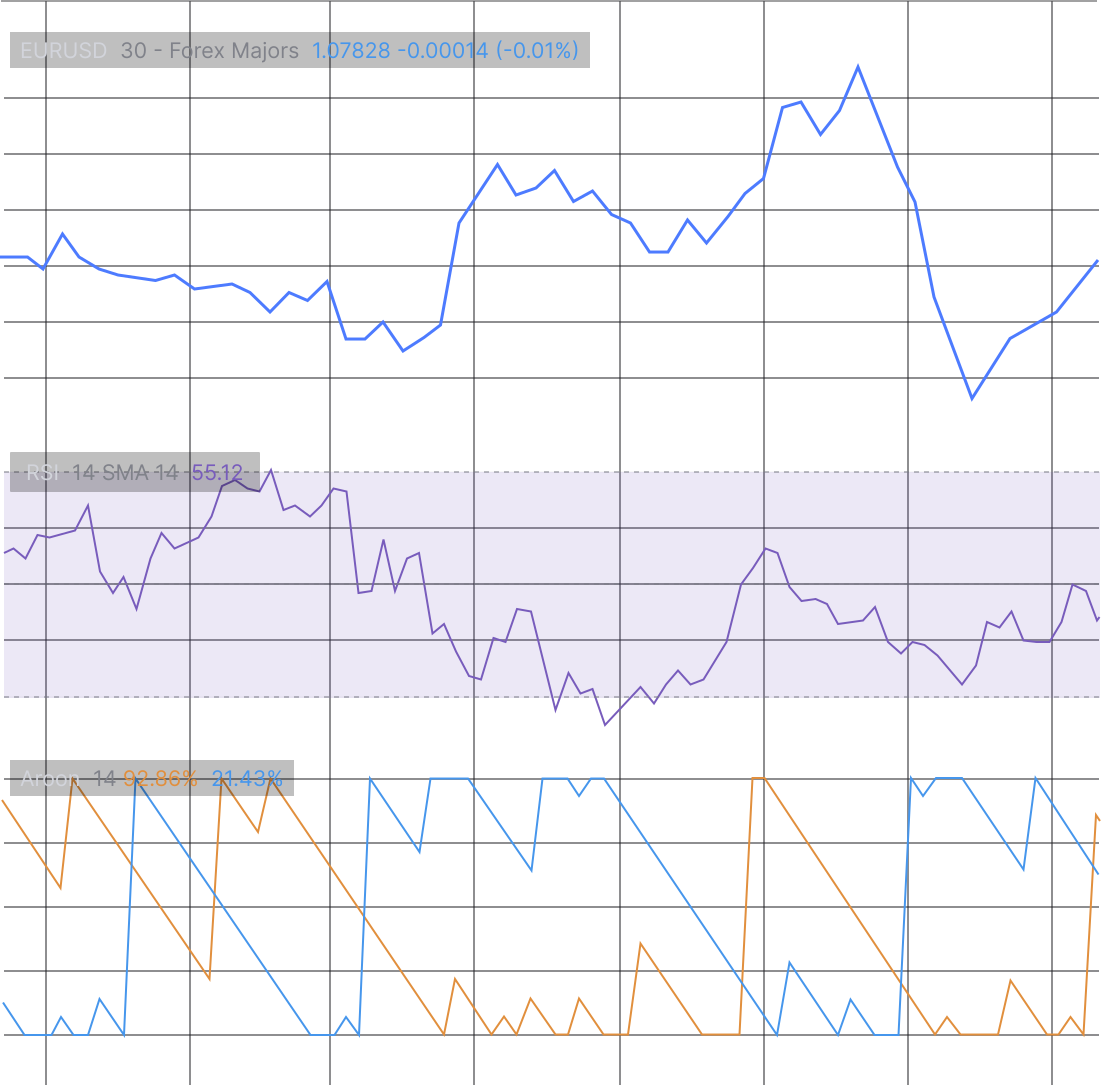
100+ trading indicators
The devil’s in the detailed indicators.
Leverage the power of Tradingviews indicators, timeframes, and over 50 tools for technical analysis on forex pairs.
Responsiveness
Sync your charts across all devices.
Experience seamless trading directly from your browser on desktop, tablet and mobile, allowing you to trade anytime, anywhere.