















It depends on whether you want to try TradeLocker Demo or trade with a broker or a prop firm.
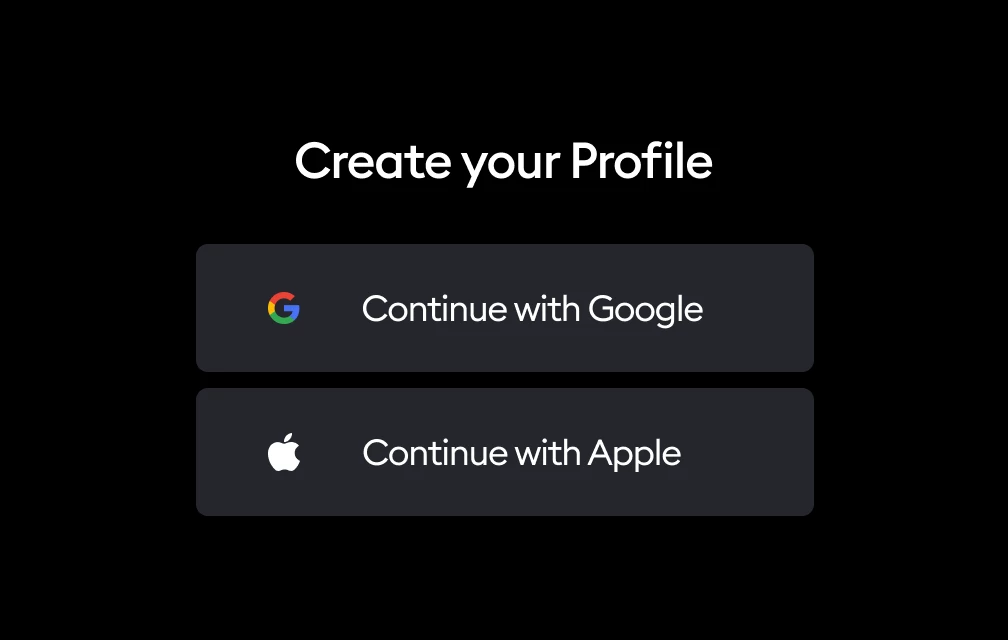
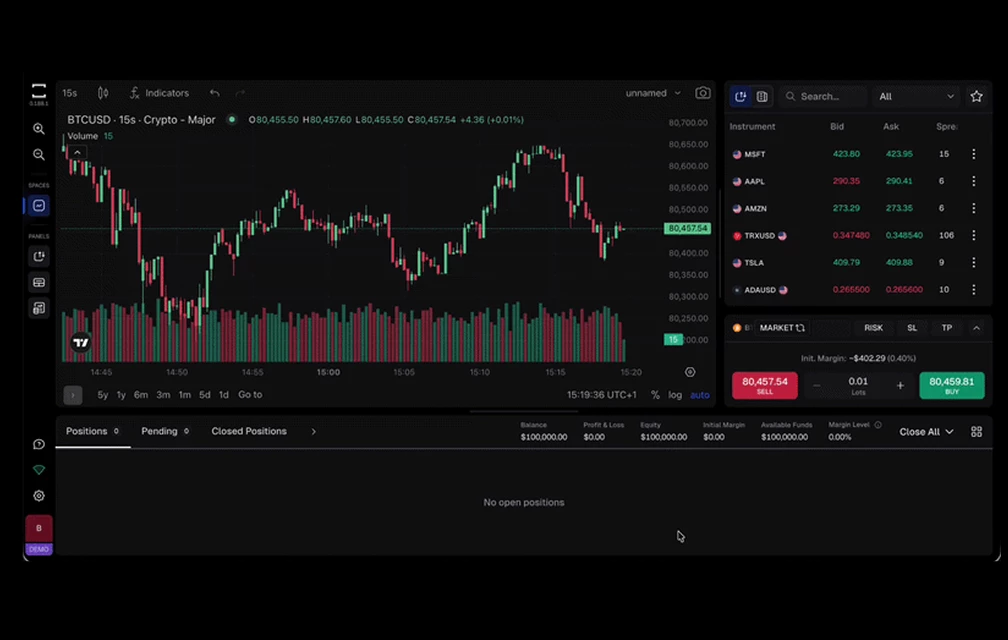
First, go to app.tradelocker.com and create your TradeLocker Profile. You can start trading immediately on TradeLocker Demo to explore the platform and refine your trading strategy with $100,000 in virtual funds.
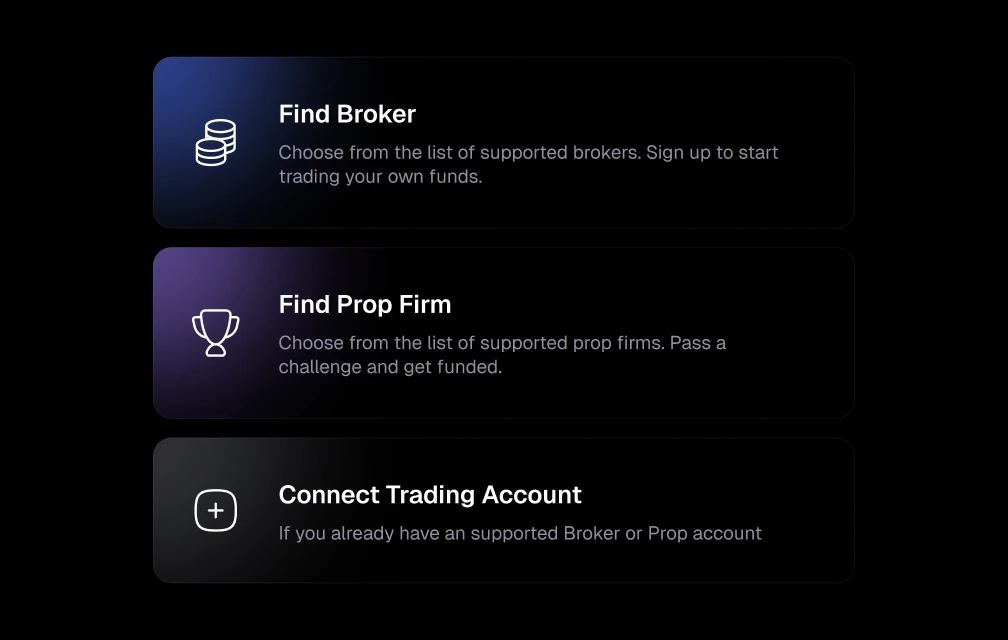
Once you're ready to enter the market, click on your profile icon > Add account. You will be prompted to pick a broker or prop firm or connect an existing broker or prop firm account to your Profile.
Pick a broker: Find a broker on TradeLocker Hub and open a TradeLocker trading account on their website. Once the account is active, the broker will send you your login credentials (username, password, and server), so that you can connect it to your Profile and start trading.
Pick a prop firm: Sign up for a trading challenge or funded account with a prop firm that uses TradeLocker. The prop firm will provide your trading account credentials so that you can add that account to your TradeLocker Profile and begin trading on the platform.