If you’re comparing TradeLocker vs cTrader, you’re probably not browsing for fun. You’re either choosing a platform for a new broker or prop account, or you’re trying to fix a real friction point in your trading workflow.
Here’s the truth most comparisons won’t tell you: a platform doesn’t make you profitable, but it absolutely can make you sloppy. Extra clicks, unclear risk sizing, and clunky management don’t just “feel annoying.” They show up as worse entries, late exits, and inconsistent execution.
This guide compares TradeLocker and cTrader using the moments that matter most: charting, entries, risk sizing, trade management, automation, and multi-device use. It’s designed to help you pick the platform that matches how you trade—without turning this into a fanboy argument.
Quick verdict (for people who want the answer first)
If you are a chart-first discretionary trader who values speed, clarity, and built-in risk sizing, TradeLocker will usually feel simpler and faster to execute on—especially in a prop-style environment where risk rules punish small mistakes.
If you are automation-first, want a mature developer workflow, or care deeply about copy trading and advanced execution tooling, cTrader is often the stronger choice.
If you’re still undecided, don’t choose by “feature count.” Choose by the workflow test a few sections below. It’s the fastest way to get the right answer for you.
Before we compare: the platform is not your broker
A quick but important reality check: spreads, commissions, instruments, leverage, and execution quality come mostly from your broker or prop firm, not the platform brand name on your screen. The platform is the interface and the tooling layer.
So when someone says “Platform X has bad spreads,” what they usually experienced was “Broker Y had bad conditions, and Platform X was the interface.” Keep the distinction clean and you’ll make a better decision.
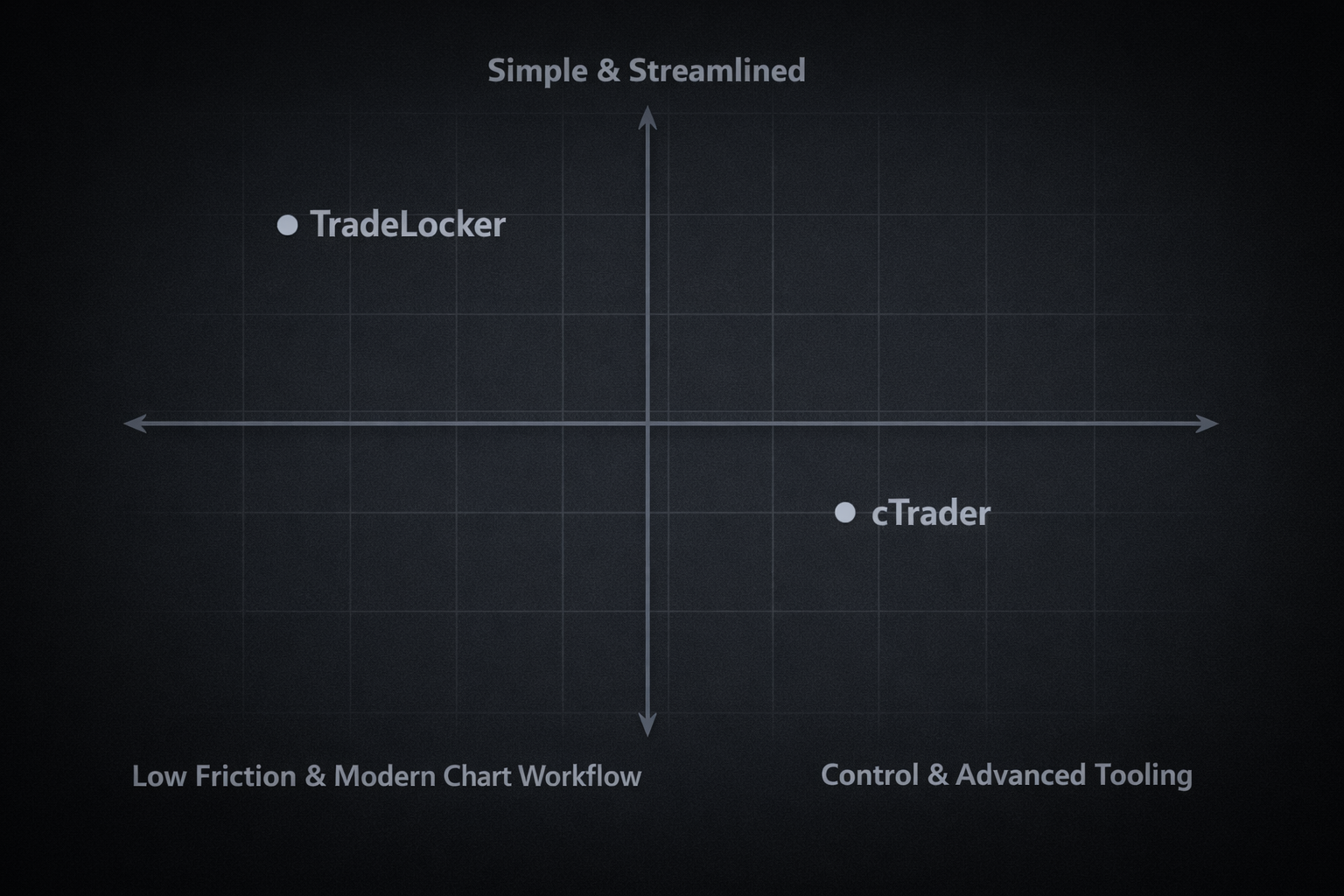
The comparison that actually matters: friction vs control
TradeLocker and cTrader both aim to be “serious” trading platforms. The difference is where they place the emphasis.
TradeLocker is designed to reduce friction for day traders. It focuses heavily on a modern UI, chart-first execution, and risk tools that make it harder to accidentally oversize or mismanage a trade.
cTrader tends to attract traders who want more control and depth, especially around automation, copy trading, and execution tooling that feels built for power users.
Neither philosophy is “better.” But one will fit your routine more naturally.
TradeLocker vs cTrader: at-a-glance table
This table is intentionally high-level. The deeper explanations are below.
| Category | TradeLocker | cTrader |
| Best for | Discretionary, chart-first traders | Power users, automation-first, copy trading |
| Charting | TradingView-style experience inside the platform | Strong native charting toolkit |
| Entries & management | On-chart and fast workflow emphasis | Strong execution environment and tooling |
| Risk sizing | Built-in risk calculator workflow focus | Typically more manual setup discipline needed |
| Automation | AI/no-code style approach via Studio, plus bot workflows | Mature developer approach via Automate |
| Copy trading | Not the core focus | Integrated Copy ecosystem |
| Multi-device | Web/desktop/mobile designed for continuity | Desktop/web/mobile available |
1) Charting and analysis: where your day actually happens
Most traders spend far more time analyzing than clicking buy/sell. That’s why charting isn’t “nice to have.” It’s where your decisions are made.
With TradeLocker, the experience is intentionally chart-forward. The goal is to keep analysis and execution close together so you don’t mentally switch contexts every time you act.
With cTrader, charting is powerful and mature, and it pairs well with an ecosystem that leans more “platform suite” than “single clean workflow.”
If you are the kind of trader who marks up levels, waits, and then executes directly off the chart, TradeLocker’s design philosophy tends to feel more natural. If you prefer a more technical workspace and don’t mind complexity, cTrader can feel like a deeper toolbox.
2) Entries and trade management: speed matters, but so does accuracy
This is where “platform preference” becomes real.
TradeLocker is built around the idea that execution should feel like a continuation of your chart work. On-chart trading and quick order actions are meant to reduce hesitation and reduce mistakes when price moves fast.
cTrader is widely respected for offering a serious execution environment, and many traders like how it handles a more “pro workstation” feel.
Here’s the practical way to compare them: imagine a fast-moving session where you need to enter, set protection, and manage the trade without second-guessing your clicks. The best platform is the one that lets you do that with the least cognitive load.
If your trades are short-duration and your management is active, TradeLocker’s “less friction” approach tends to show up as a real advantage. If your focus is on precision tooling and deeper execution views, cTrader may feel more at home.
3) Risk tools: where small mistakes become big losses
This is the section most comparisons underweight. It’s also the section that matters most if you trade prop rules, size aggressively, or scalp volatile instruments.
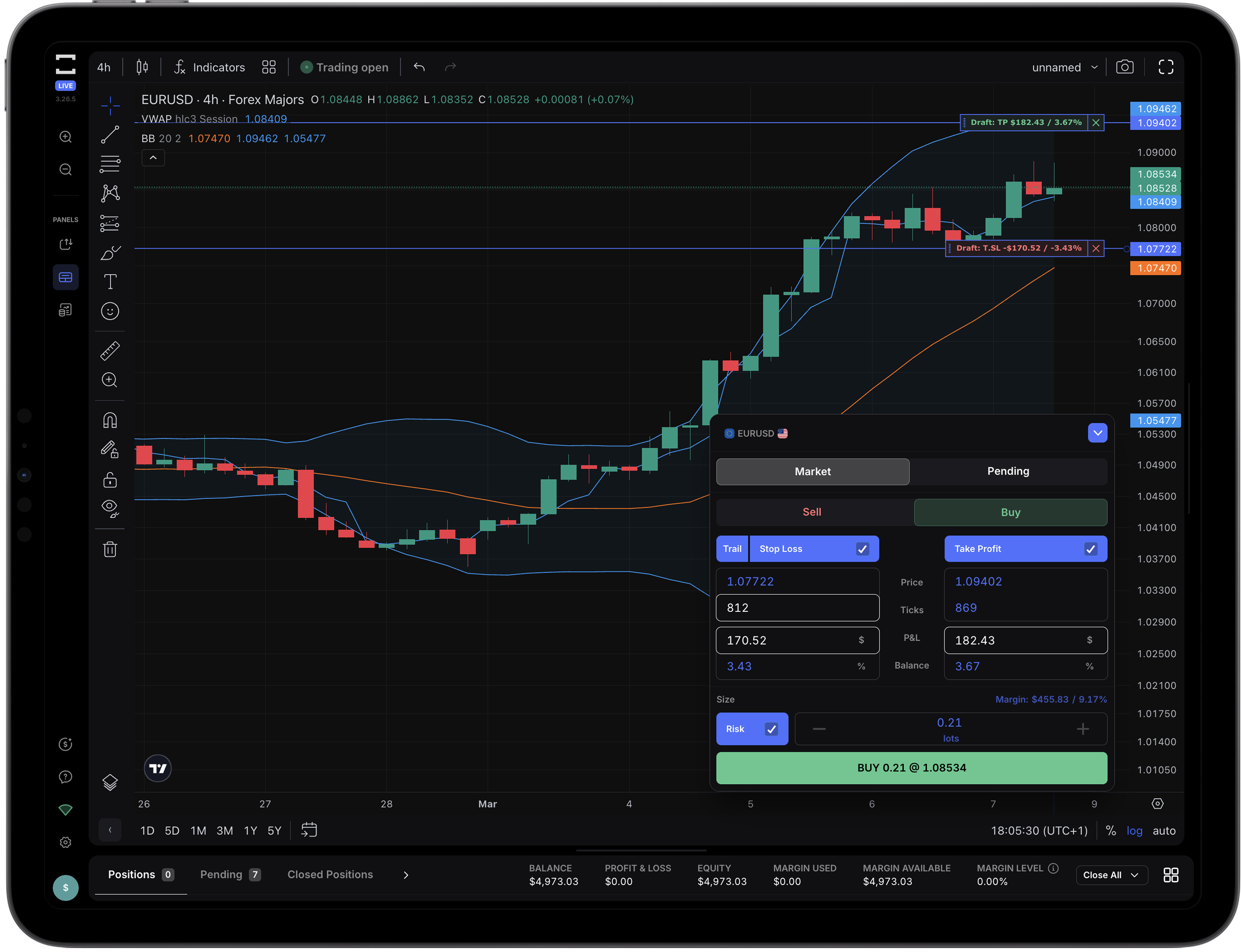
TradeLocker places a heavy emphasis on built-in risk workflow. The core idea is simple: you should be able to define what you’re willing to lose and have position size align with that quickly, without mental math and without breaking your flow.
cTrader absolutely supports disciplined risk management, but the experience is more “you bring the process.” It’s a platform that can be extremely effective in the hands of a trader with a solid routine, but it won’t hold your hand as much.
If you’ve ever looked back at a losing day and realized, “My entries were fine, my sizing wasn’t,” then TradeLocker’s risk-first tooling approach tends to feel like a practical edge.
4) Automation and strategy building: the honest comparison
This is where many “vs” posts get biased. Let’s keep it clean.
If you are serious about a traditional algorithmic workflow—coding, testing, iterating, and deploying—cTrader’s automation ecosystem is a major strength. It’s built for developers and systematic traders who want that level of control.
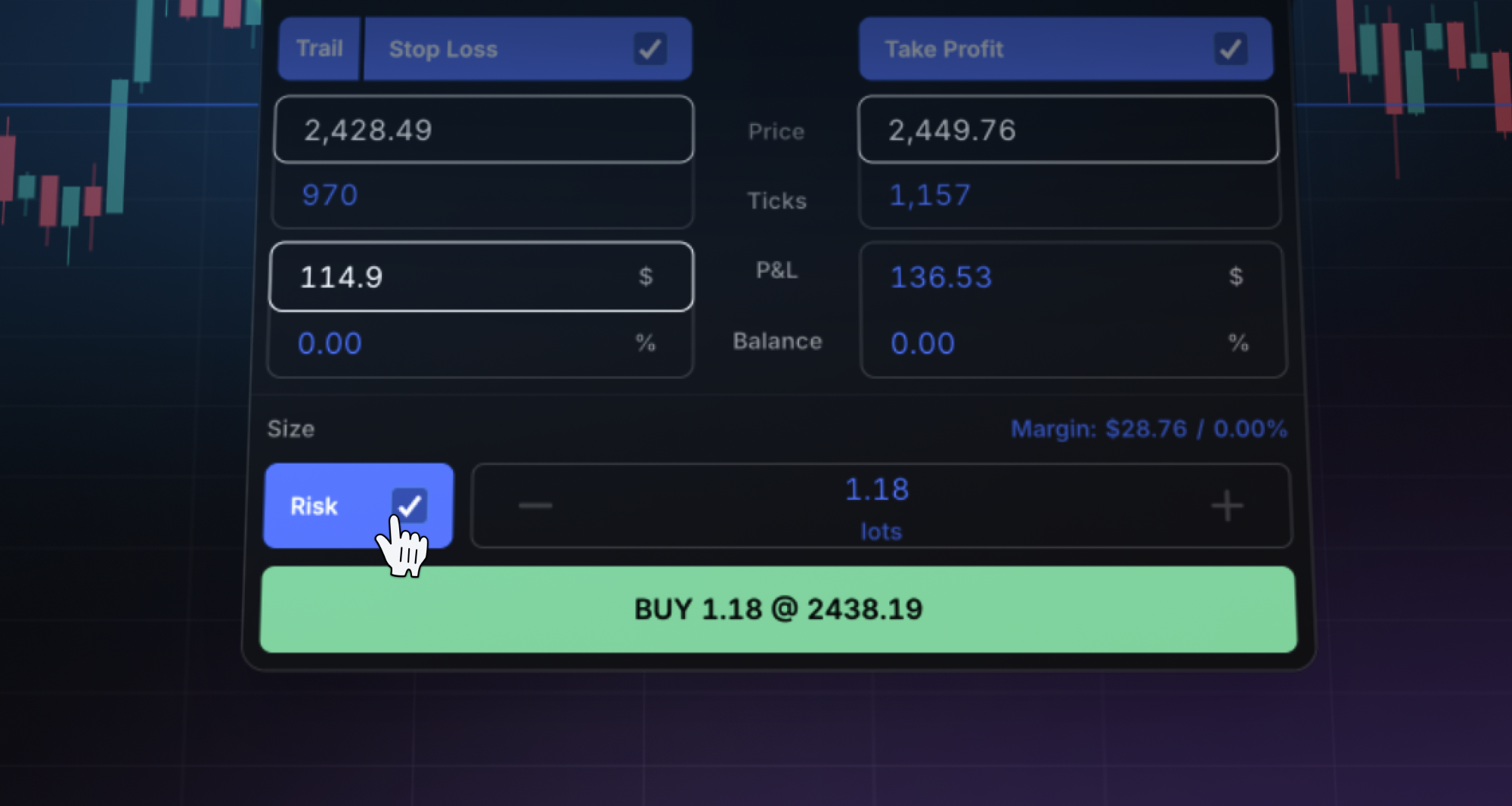
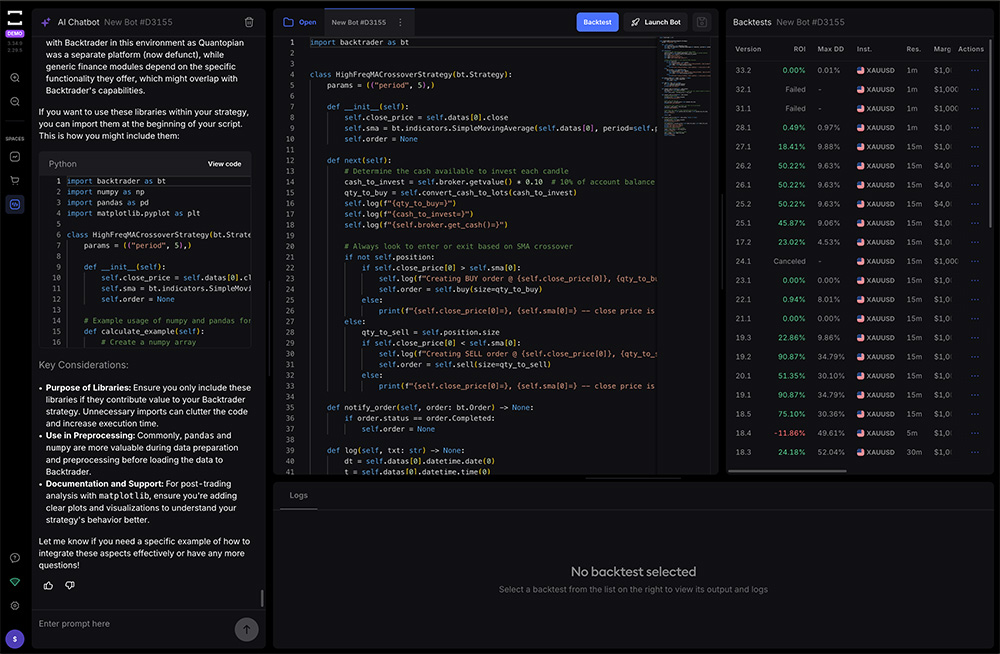
TradeLocker comes at automation from a different angle. Instead of pushing every trader toward a coding path, it leans into an AI-assisted, no-code style experience through Studio. That appeals to traders who want to automate parts of their system without turning trading into a programming career.
So the fair conclusion is not “one wins.” The fair conclusion is this: cTrader is often stronger for code-first algo trading, while TradeLocker is often more accessible for traders who want automation without heavy coding.
5) Copy trading and social ecosystems: different priorities
If copy trading is a major part of your plan, cTrader has a clear advantage because it has a dedicated copy trading component built into its ecosystem.
TradeLocker’s ecosystem is more centered around modern execution, usability, and the broader “trade better decisions” workflow. If your priority is copying strategies, cTrader should be high on your shortlist. If your priority is executing your own discretionary plan with less friction, TradeLocker tends to be the more natural fit.
This is one of those areas where you should be honest with yourself. If you won’t use copy trading, don’t let it influence your decision. If you will, it should.
6) Mobile and multi-device: the hidden deciding factor
A lot of traders say they’re “desktop only,” right up until life happens. Travel, work, family, missed alerts, fast-moving sessions—suddenly mobile matters.
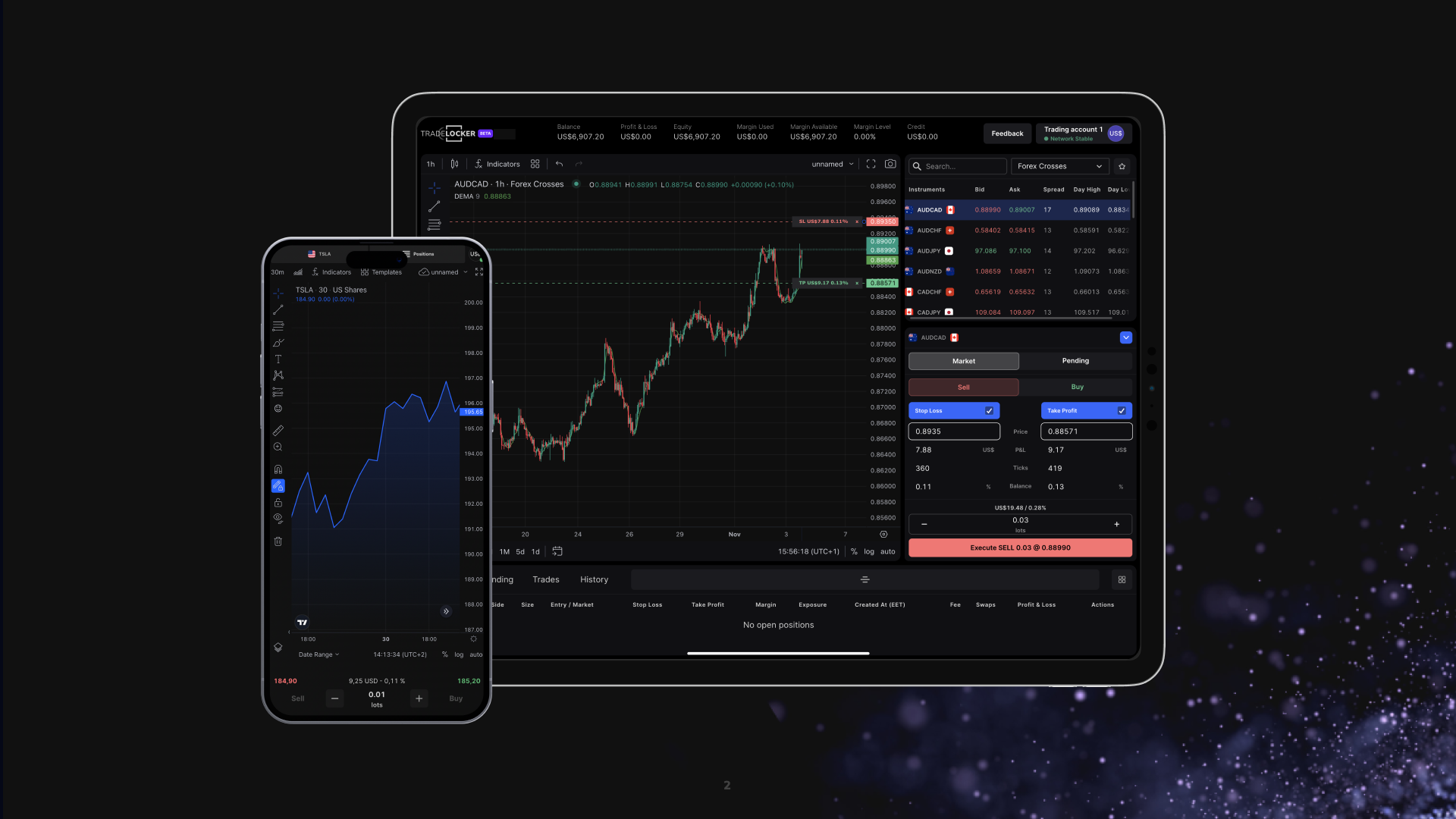
TradeLocker puts heavy emphasis on multi–device continuity. The experience is designed so switching devices doesn’t feel like switching platforms.
cTrader also offers desktop, web, and mobile access, and many traders are comfortable running it across environments. The difference tends to be in how modern and consistent the experience feels across the workflow, not whether mobile exists.
If you manage trades away from your desk even occasionally, don’t treat this as a minor category. It’s often the thing you notice most after you’ve already committed.
7) The workflow test: decide in 20 minutes (no debating required)
If you want the most reliable way to choose between TradeLocker and cTrader, do this quick test on demo.
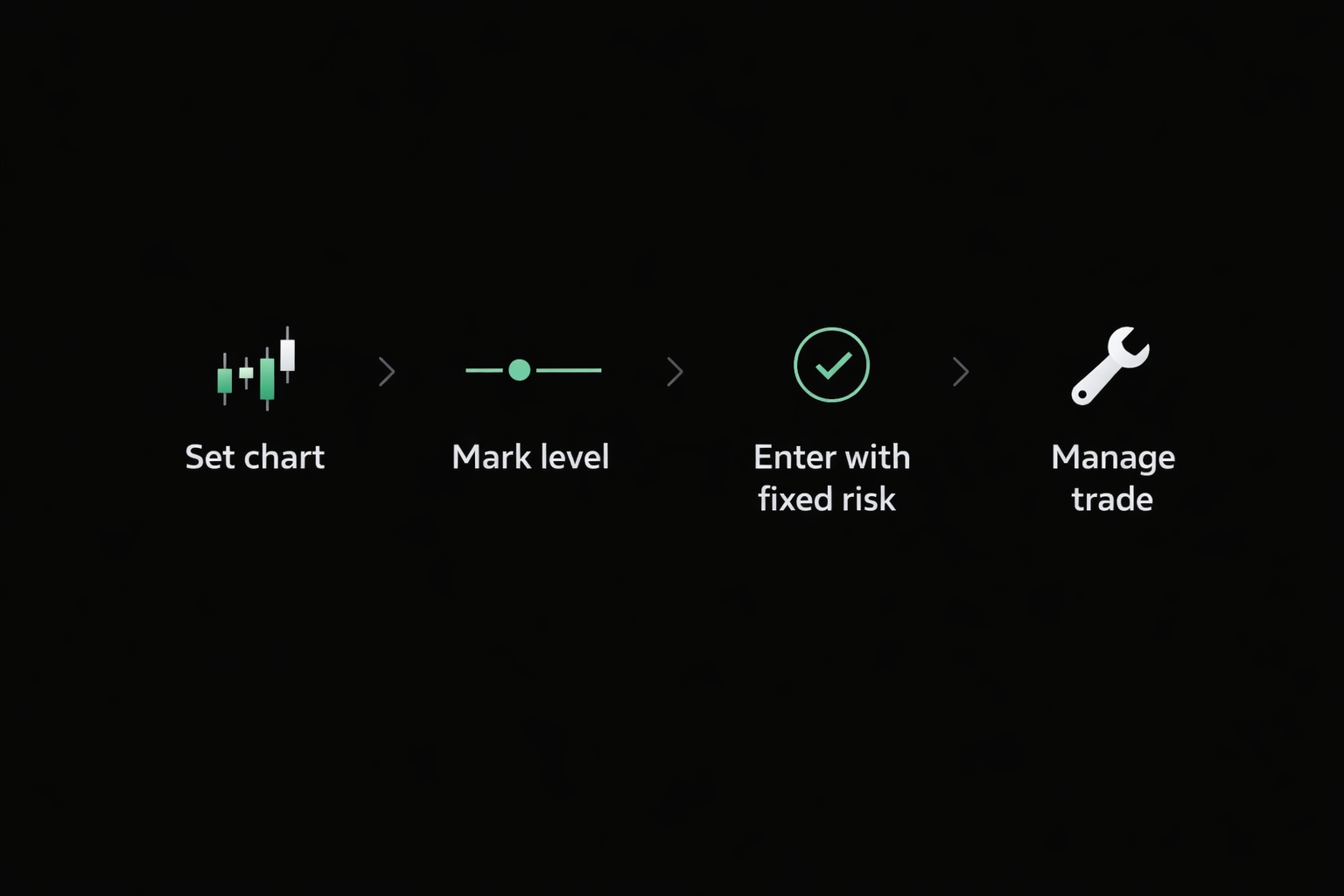
Start by opening the same instrument on both platforms and set up the same chart view. Mark a level you would realistically trade. Then place a trade with protection and size it based on a fixed risk amount. Finally, simulate management: adjust stop loss once, partial or close once, and check how quickly you can do it without feeling rushed.
After 20 minutes, you’ll know the truth. One platform will feel like it disappears while you trade. The other will feel like it asks you to manage the platform while managing the position.
That is the entire point of this comparison.
TradeLocker vs cTrader: which should you choose?
If you’re a discretionary trader and you want a modern, chart-first workflow with risk tools that reduce sizing mistakes, TradeLocker is often the better fit. It tends to reward traders who care about clarity, speed, and execution discipline without turning the platform into a second job.
If you are automation-first, want a mature code-based environment, or plan to use copy trading as a core part of your approach, cTrader is often the stronger choice. It’s a serious platform with a serious tooling mindset.
If you’re still torn, don’t force a decision from a blog post. Run the workflow test above. Your hands will make the decision faster than your head.
FAQ
Is TradeLocker better than cTrader?
It depends on your trading style. TradeLocker tends to be better for chart-first discretionary traders who want fast, clear risk sizing and trade management. cTrader tends to be better for traders who want a mature automation environment or plan to use copy trading.
Which is better for prop trading?
Most prop traders benefit from whatever reduces sizing and management mistakes. If you want built-in risk workflow and a modern interface, TradeLocker often fits well. If your prop strategy relies on automation or copy trading, cTrader may be the better match.
Do spreads and execution depend on the platform?
Spreads depend mostly on the broker or prop firm. The platform affects your workflow, risk tooling, and how cleanly you execute—but the trading conditions usually come from the firm.
Final takeaway
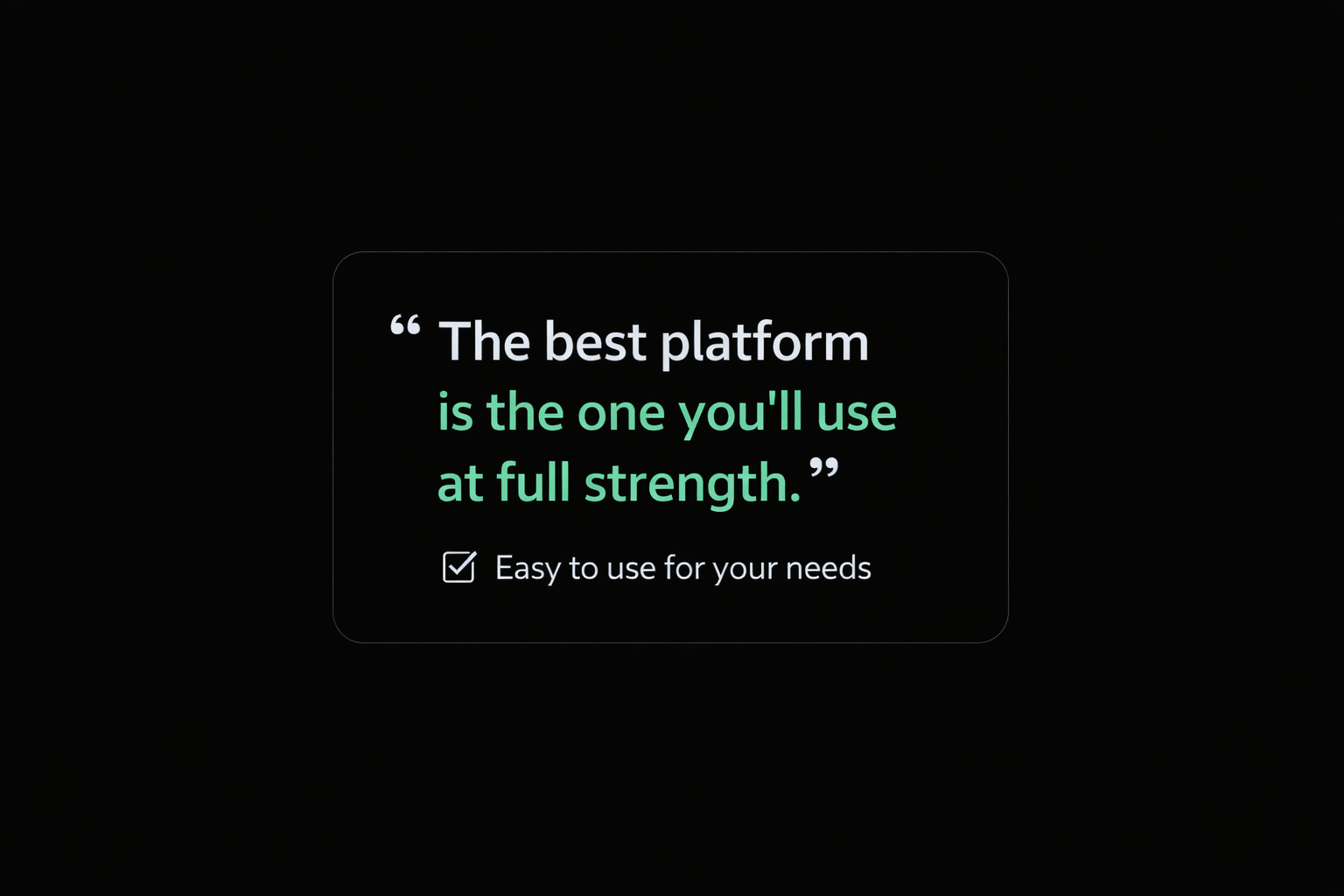
The best platform is not the one with the longest feature list. It’s the one that helps you execute your plan with fewer mistakes.
TradeLocker is built to reduce friction for modern day traders, especially those who live on the chart and care about risk clarity. cTrader is built to give serious traders more control, especially those leaning into automation and copy trading.
Pick the one that matches your workflow—and then commit long enough to build muscle memory.
Consistency comes from repetition, not platform hopping.
