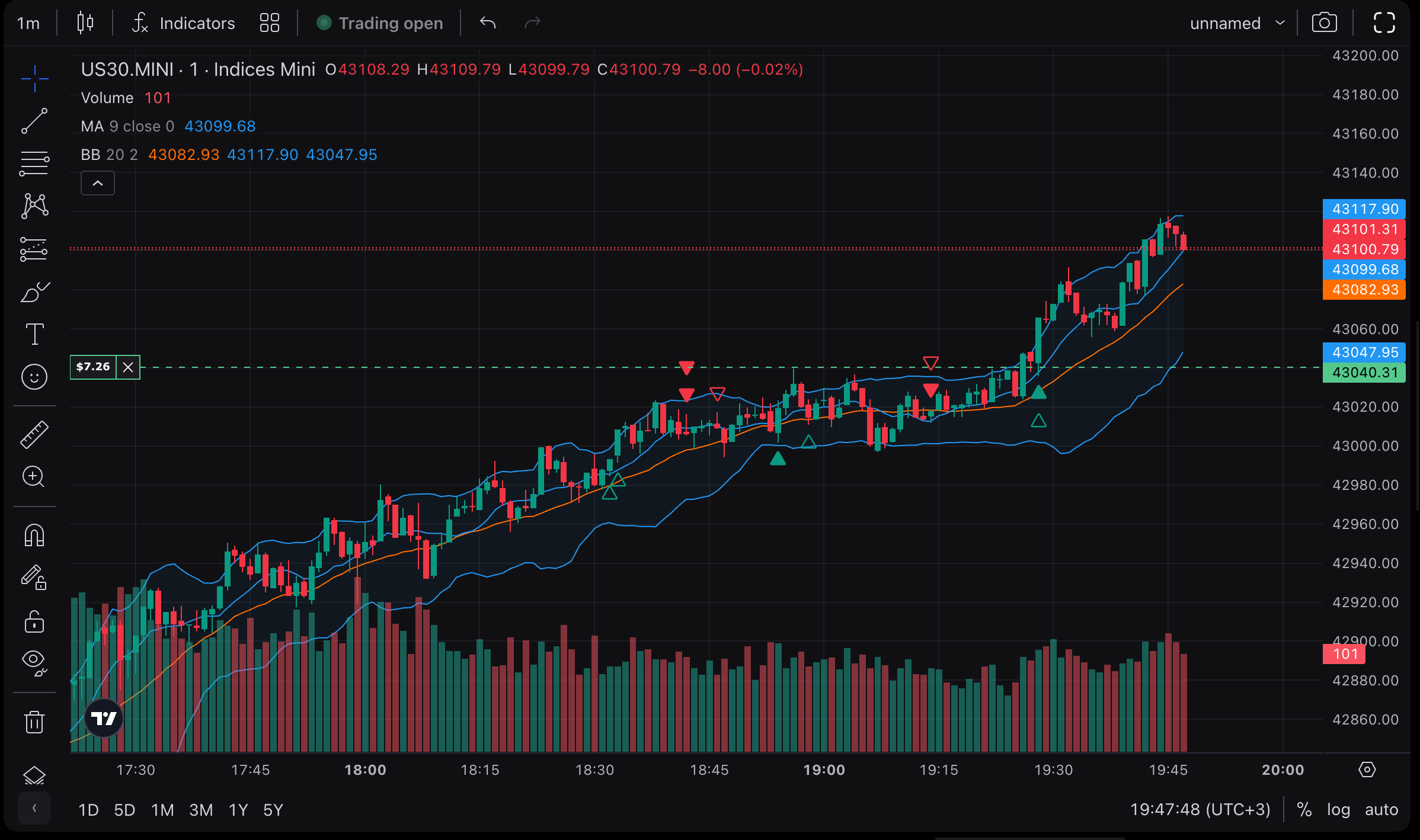
Trading history on the chart
View past trades for each instrument
- Easily identify open and closed positions with execution arrows.
- Hover over a position for more info.
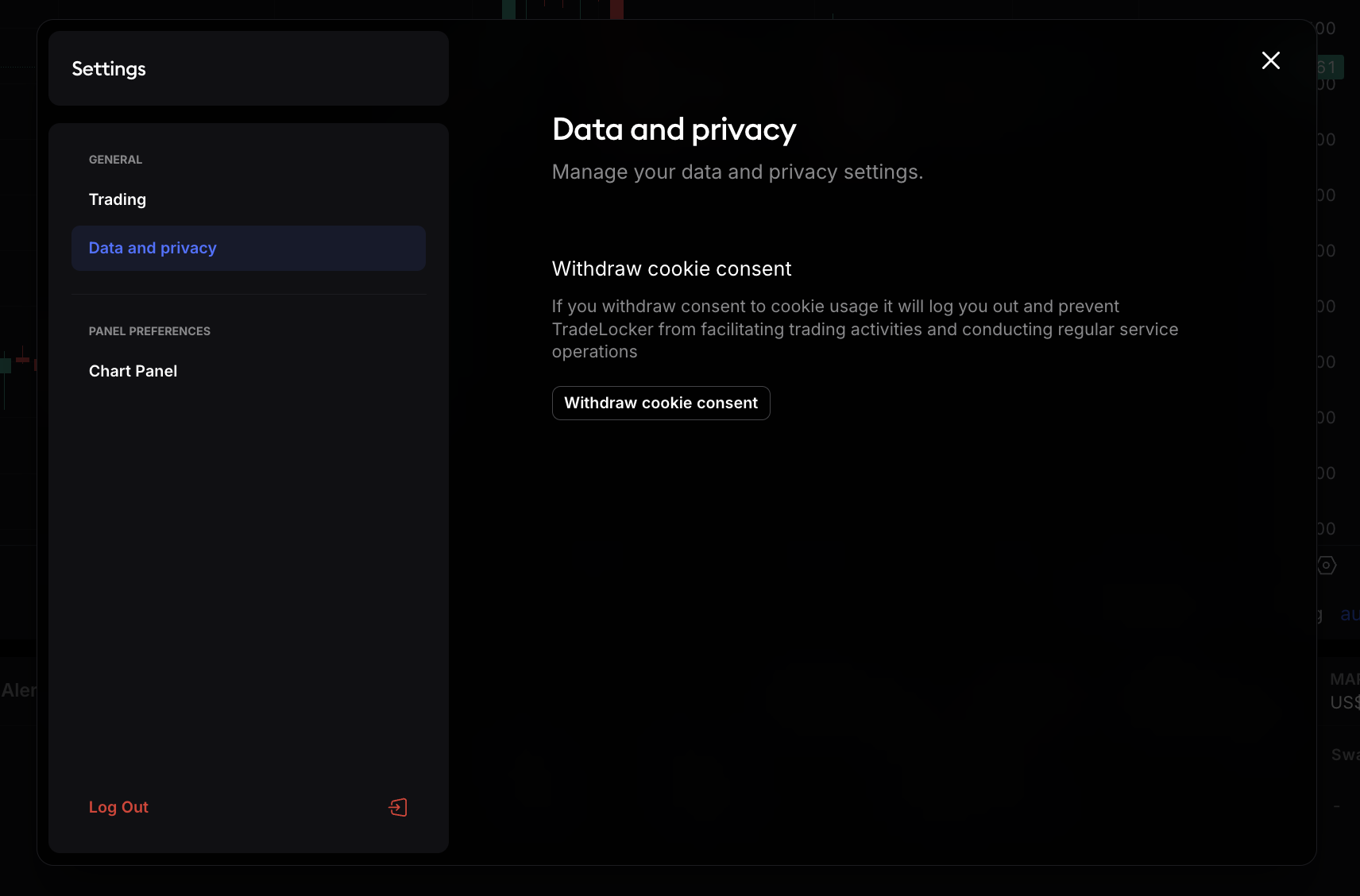
- Enable or disable this feature in Settings > Trades on the chart.
The latest platform updates and fixes.

TradeLocker © 2023. All rights reserved.
*Neither this app or its contents should be regarded as professional, financial or investment advice. This app is a suite of trading tools, meant to be used in connection with an account held by a trader with their brokerage firm. If you intend on using this app for real trading, you should understand how various financial products work and the risks you will be undertaking on your own.
**By using this app you will have access to information of a general nature (i.e., that does not address the circumstances of any particular individual). If you require further information, or otherwise a more comprehensive or complete statement of the related matters and regulations, you should seek the advice of a lawyer, your brokerage firm, or from a licensed financial service provider before you start trading.