The latest platform updates and fixes.
June 16, 2026
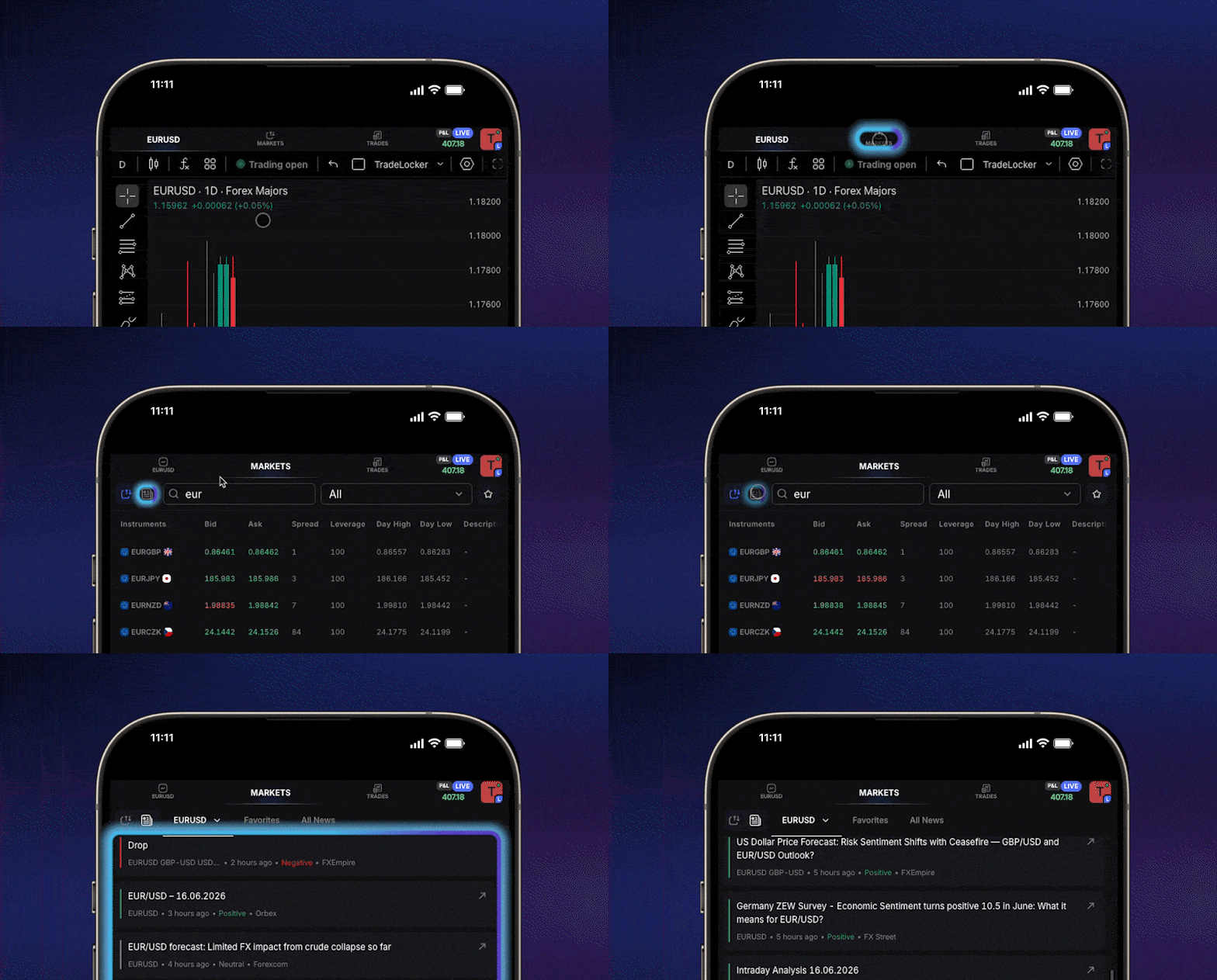
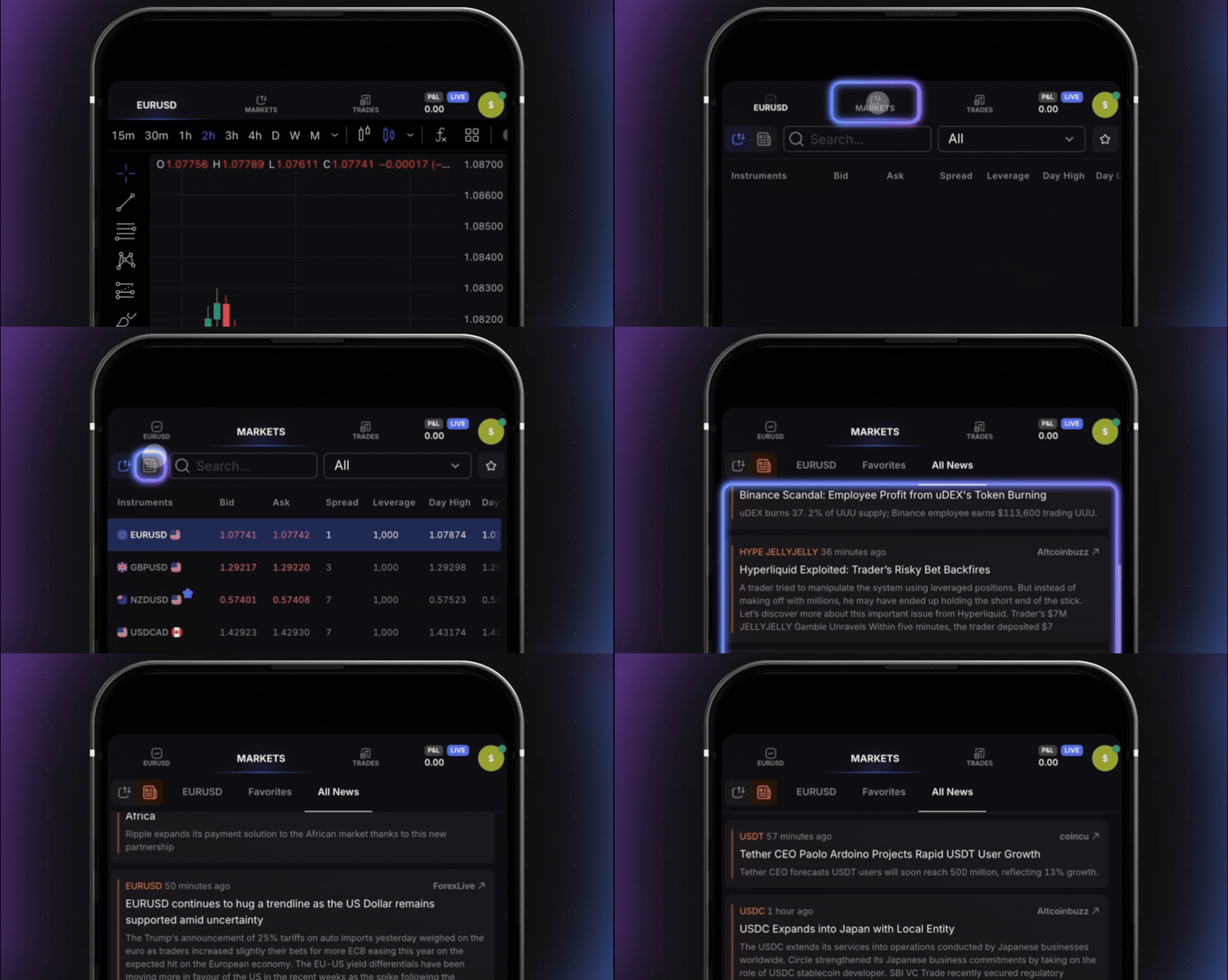
Better news. Faster context.
Market news just got an upgrade 🗞️
Get the latest Forex, Crypto, and Stock market updates directly in TradeLocker.
Plus, articles now include sentiment labels (positive, negative, or neutral), so you can read the market mood in seconds.
Learn more
June 16, 2026
June 1, 2026
May 8, 2026
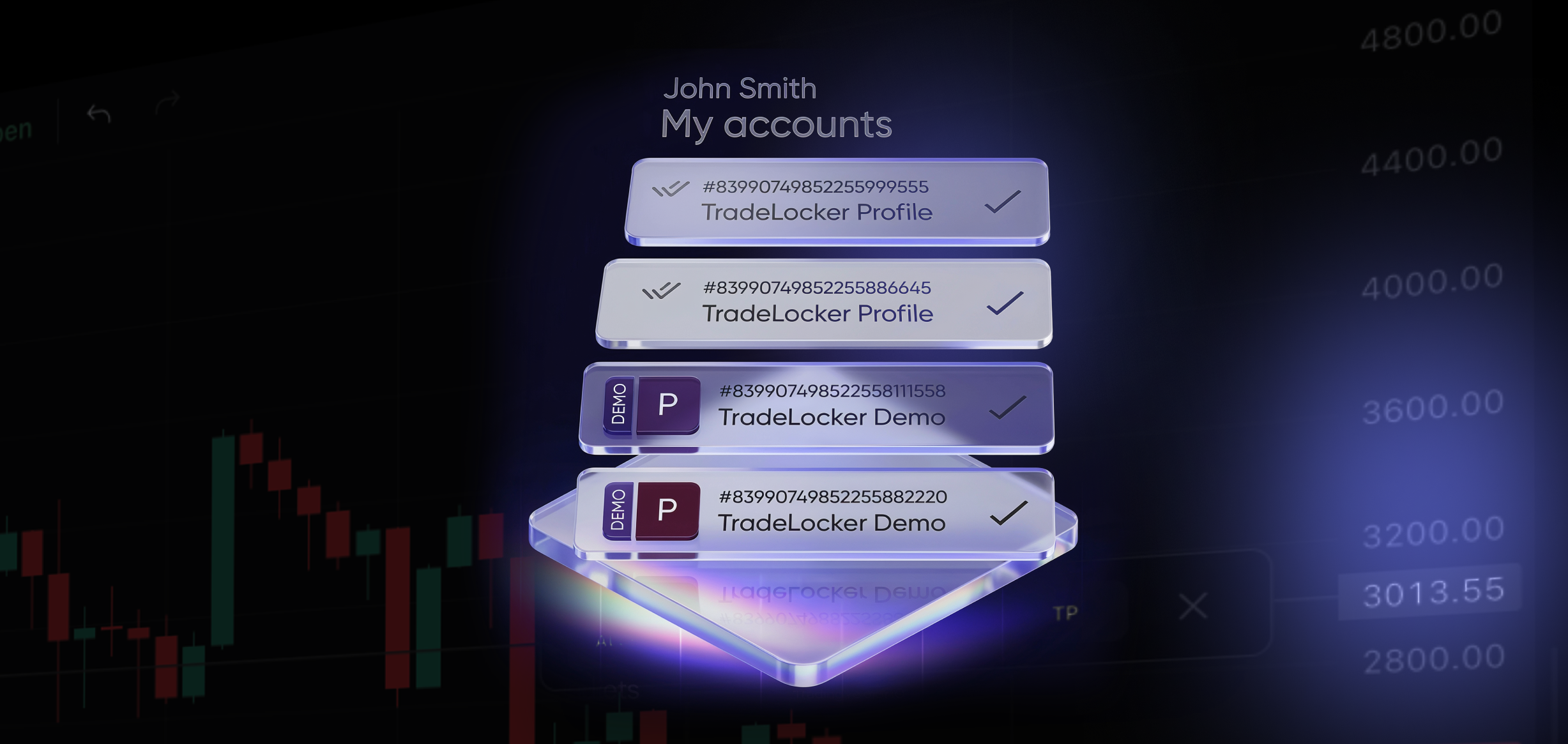
All your accounts, one simple profile.
Introducing: TradeLocker Profile
Connect all your broker and prop firm accounts. Switch between them instantly (no more logging in and out).
Access a free demo trading account for practice (no broker required).
👉
Set up your TradeLocker Profile
👉
Watch a tutorial
May 8, 2026
July 25, 2025
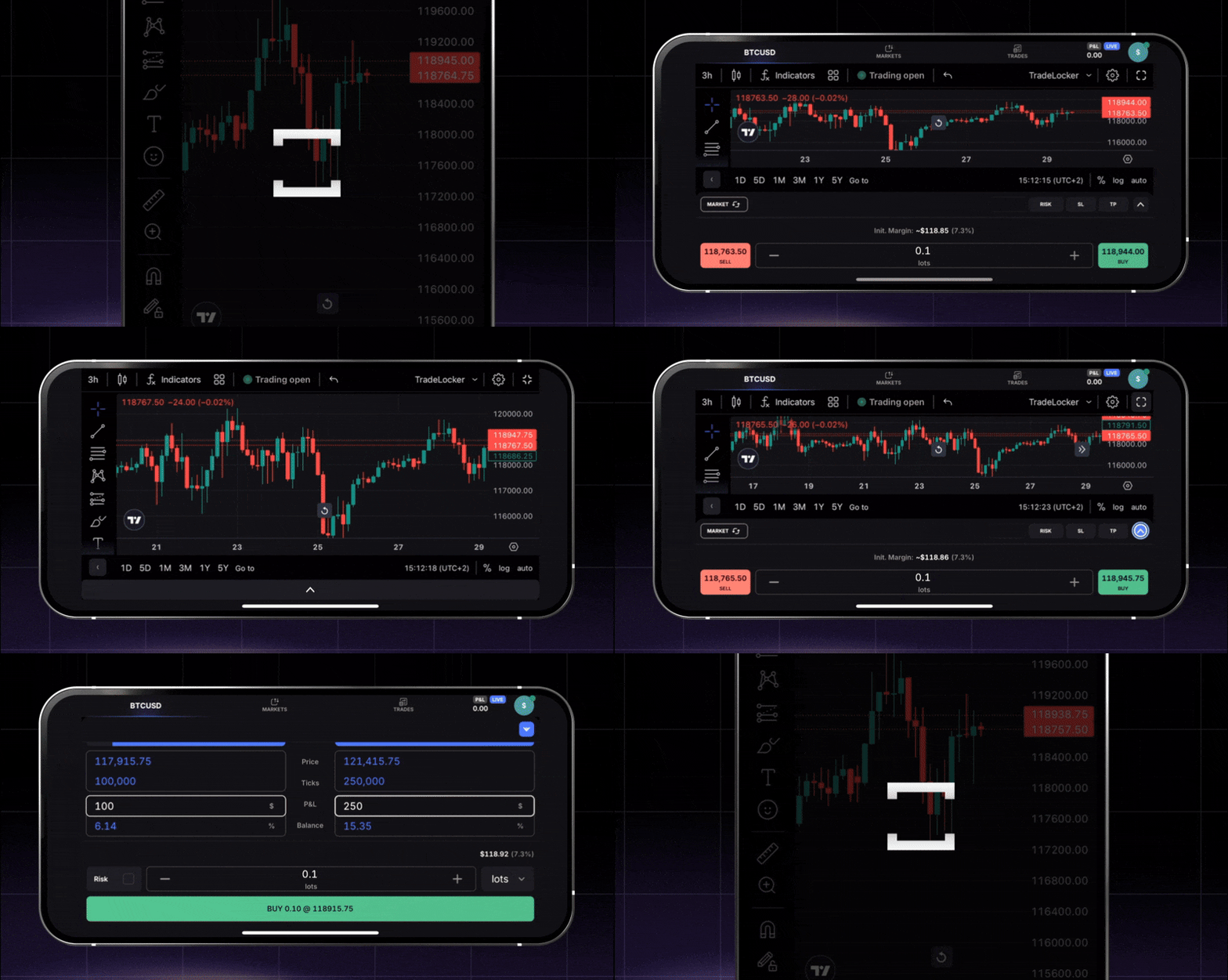
Landscape mode is here!
Go ahead, flip your phone 🔁
July 25, 2025
July 7, 2025
July 4, 2025
Run your bots on Live!
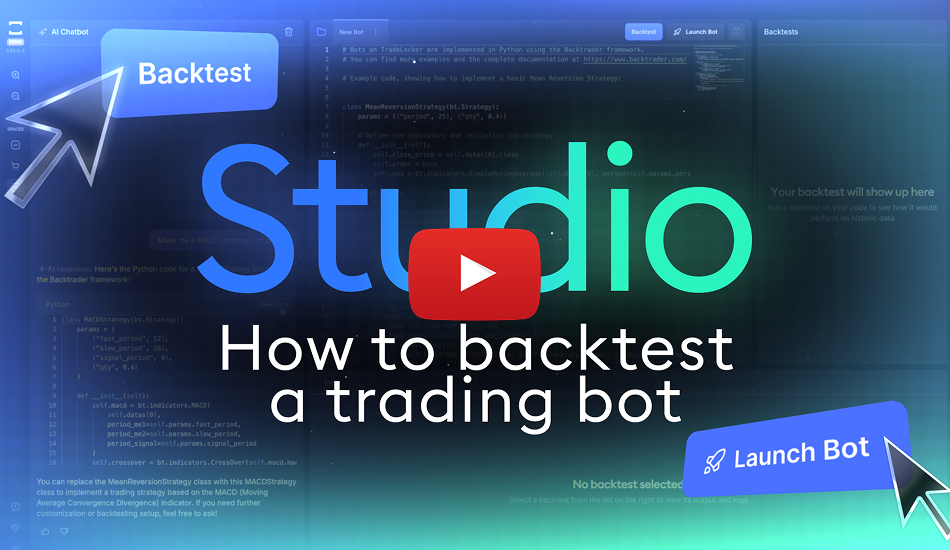
TradeLocker Studio is now available on LIVE 🤖
Create, customize and backtest custom scripts & bots. No coding required.
Learn more about Studio here or watch our YouTube tutorial .
July 4, 2025
June 12, 2025
Break even
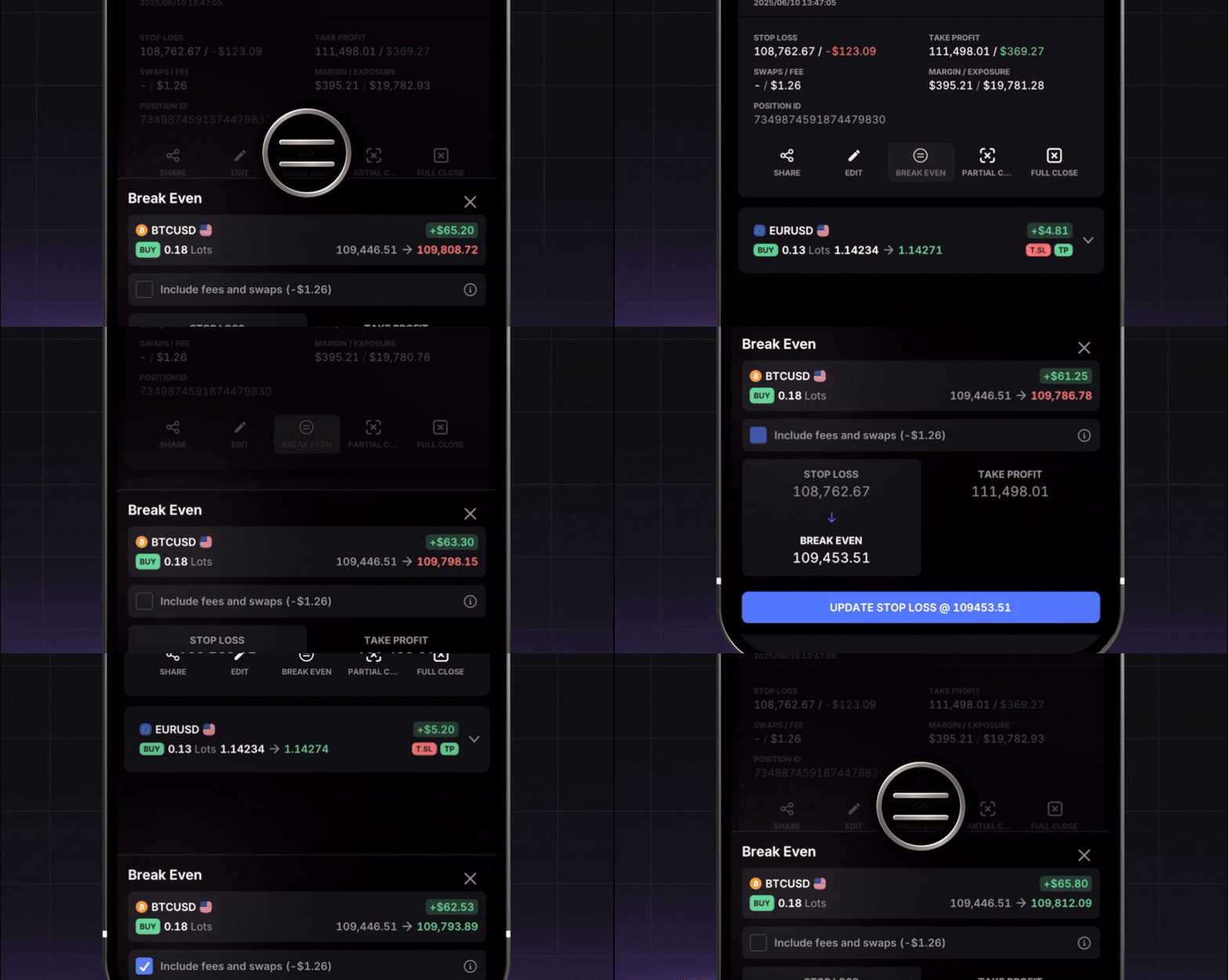
Break even is here 🚨
Move your stop loss or take profit to your entry price with one tap.
Secure your trade or exit flat if the market turns against you. No gain, no loss.
Go to your position on the Trades panel → Tap Break Even → Done.
Learn more here or check out our
YouTube tutorial .
June 12, 2025
June 3, 2025
Order amount update
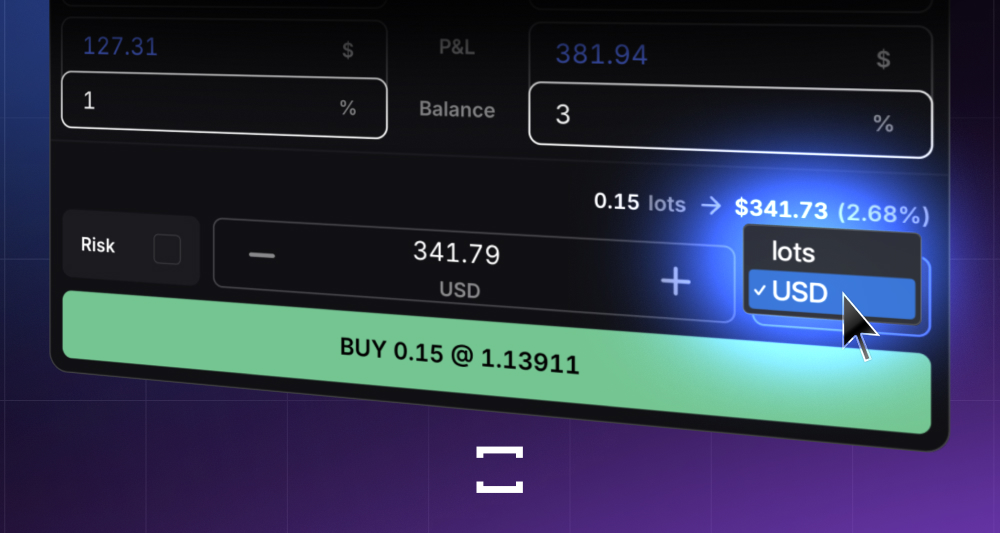
NEW: Set the order amount in your currency
Expand the order panel to see the dropdown .
Choose between lots or your own currency .
Enter the amount you want to trade and go for it.
June 3, 2025
May 26, 2025
May 6, 2025
News on TradeLocker
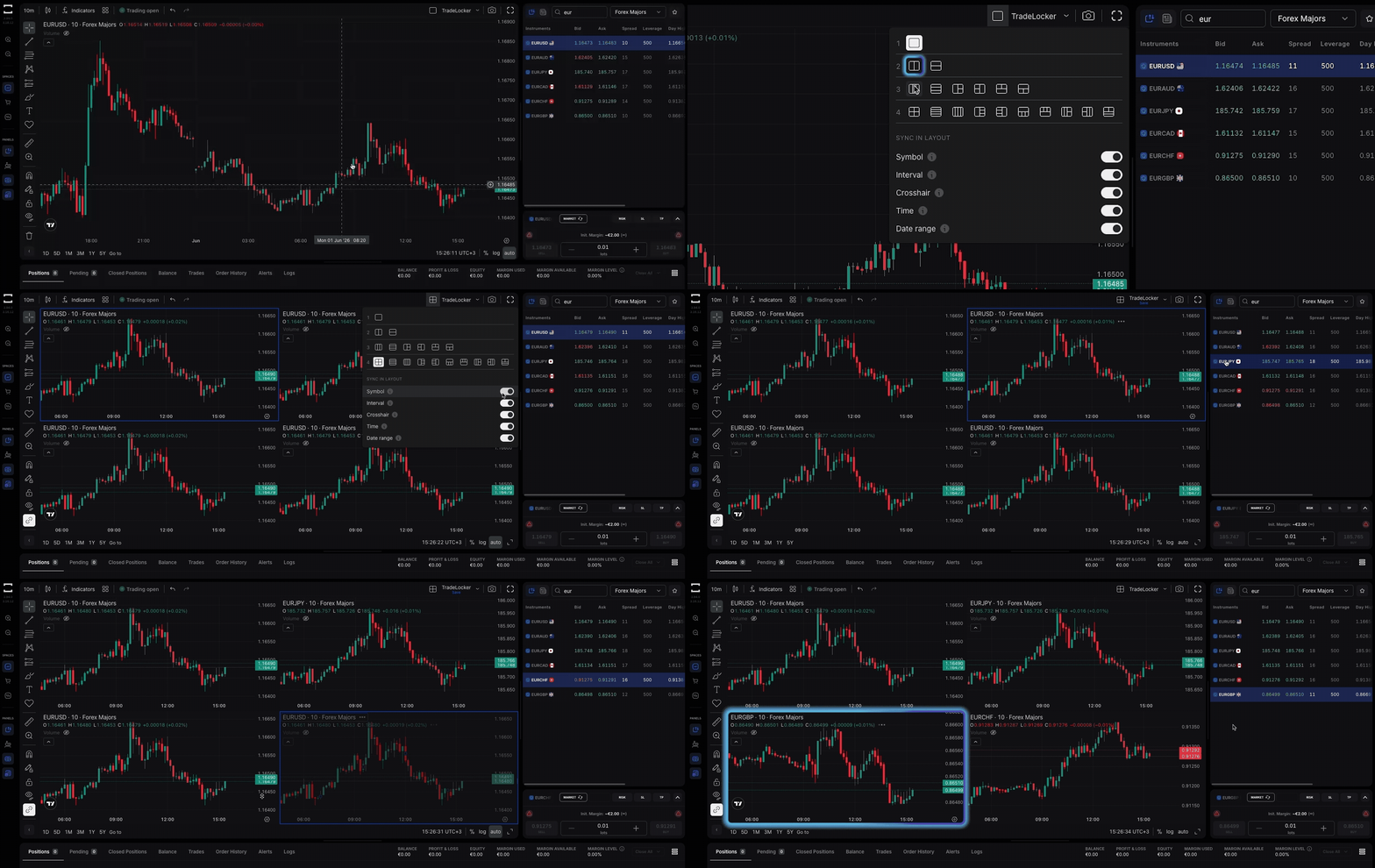
Real-time headlines, right next to your charts.
We've added the latest forex & crypto news directly to the Instruments panel.
Now you can check the news directly on TradeLocker before you click “Buy.”
Learn more here
May 6, 2025
April 8, 2025
February 17, 2025
February 6, 2025
January 29, 2025
January 24, 2025
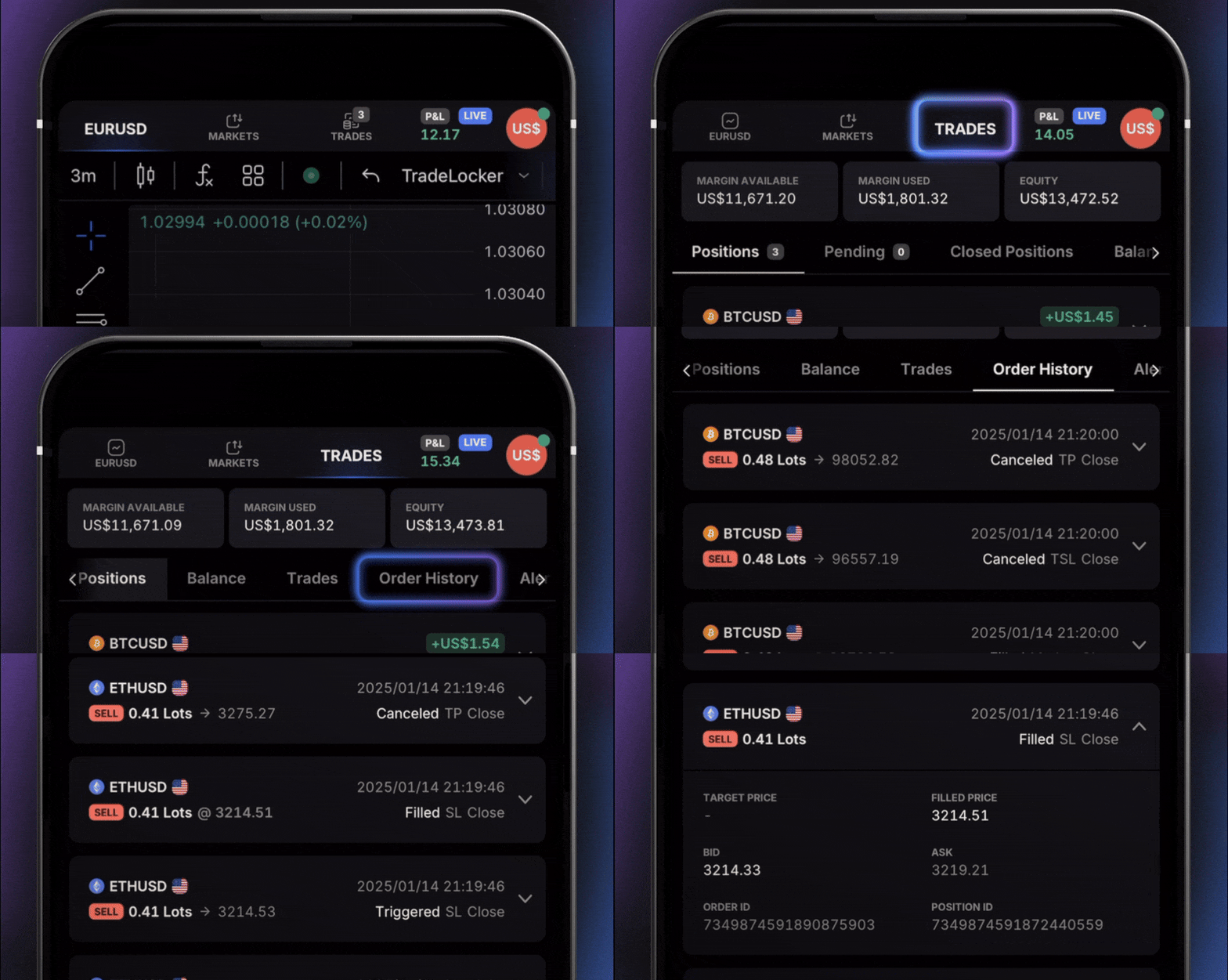
Order history report
Analyze all your orders in one place
Get a detailed overview of all your orders, including SL & TP.
Track all order changes with statuses like Placed, Filled, Rejected, Replaced, and more.
Navigate to the
Trades panel >
Order history .
Learn more here.
January 24, 2025