Market Scanner brings the signals across instruments into one view, so you can see where to look first instead of flicking through chart after chart.
What is Market Scanner?
Market Scanner is a table of instruments showing the signals the platform has found on each one. It uses AI to look across indicators and mark support and resistance levels.
The daily scan and the daily AI market analysis are free for everyone. TradeLocker Pro adds 1-hour and 15-minute scans, plus AI analysis on every timeframe.
How to use Market Scanner
Step 1: Open Market Scanner
Log in to TradeLocker and click Market Scanner on the left side of your chart.
Step 2: Check the daily scan
Each row is an instrument, and the columns show the signals found on the daily timeframe. You can see what was detected at a glance, without opening the chart first.
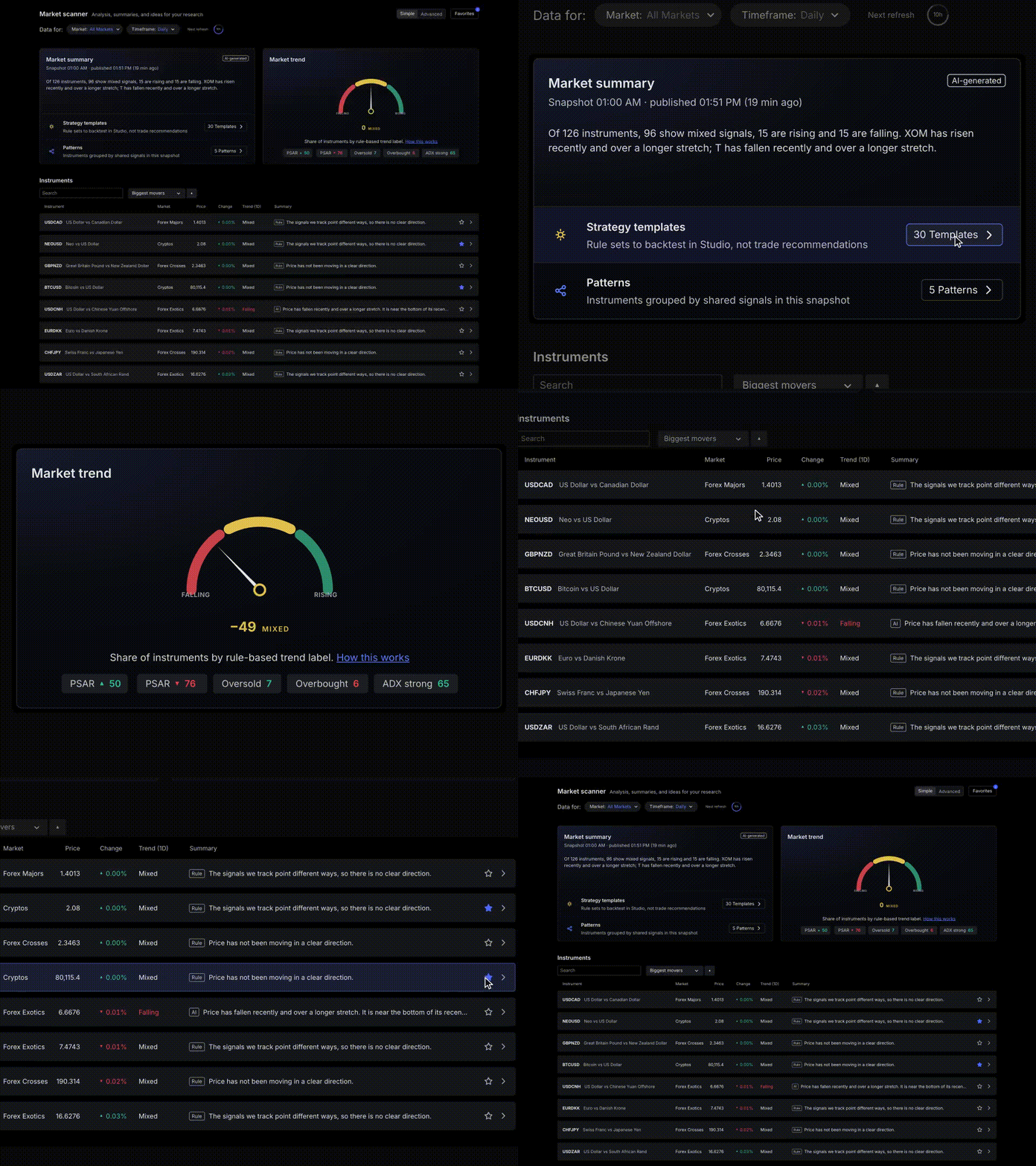
Step 3: Read the AI market analysis
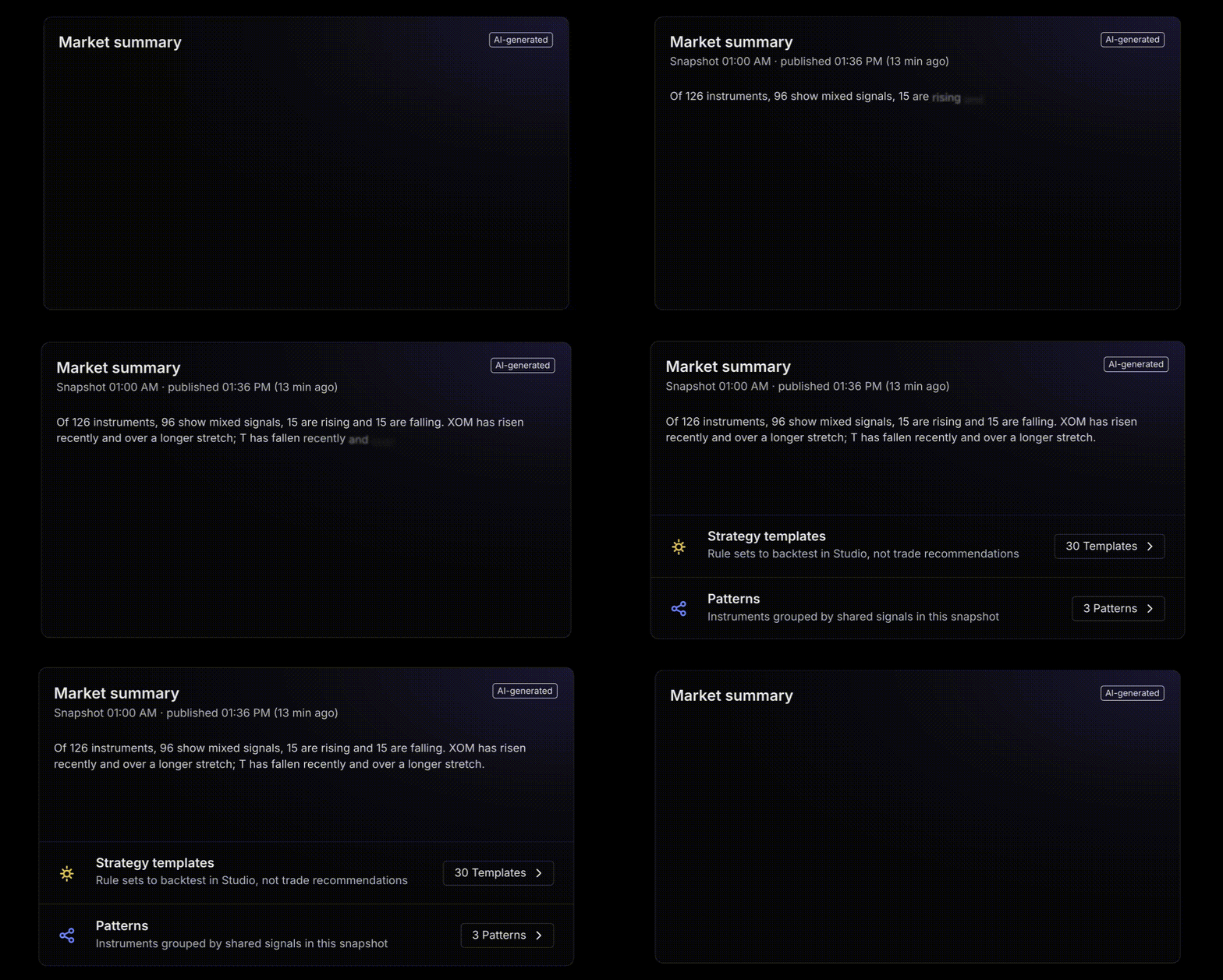
The AI market analysis is a short, plain-language summary of what the scanner found. Read it, then decide which charts are worth a closer look.
Step 4: Open a chart
When something catches your eye, click the instrument to open its chart. Want to watch a few at once? Use the multiple chart layout.
A simple routine: open the scanner in the morning, check the summary, and only open the charts that deserve your time.
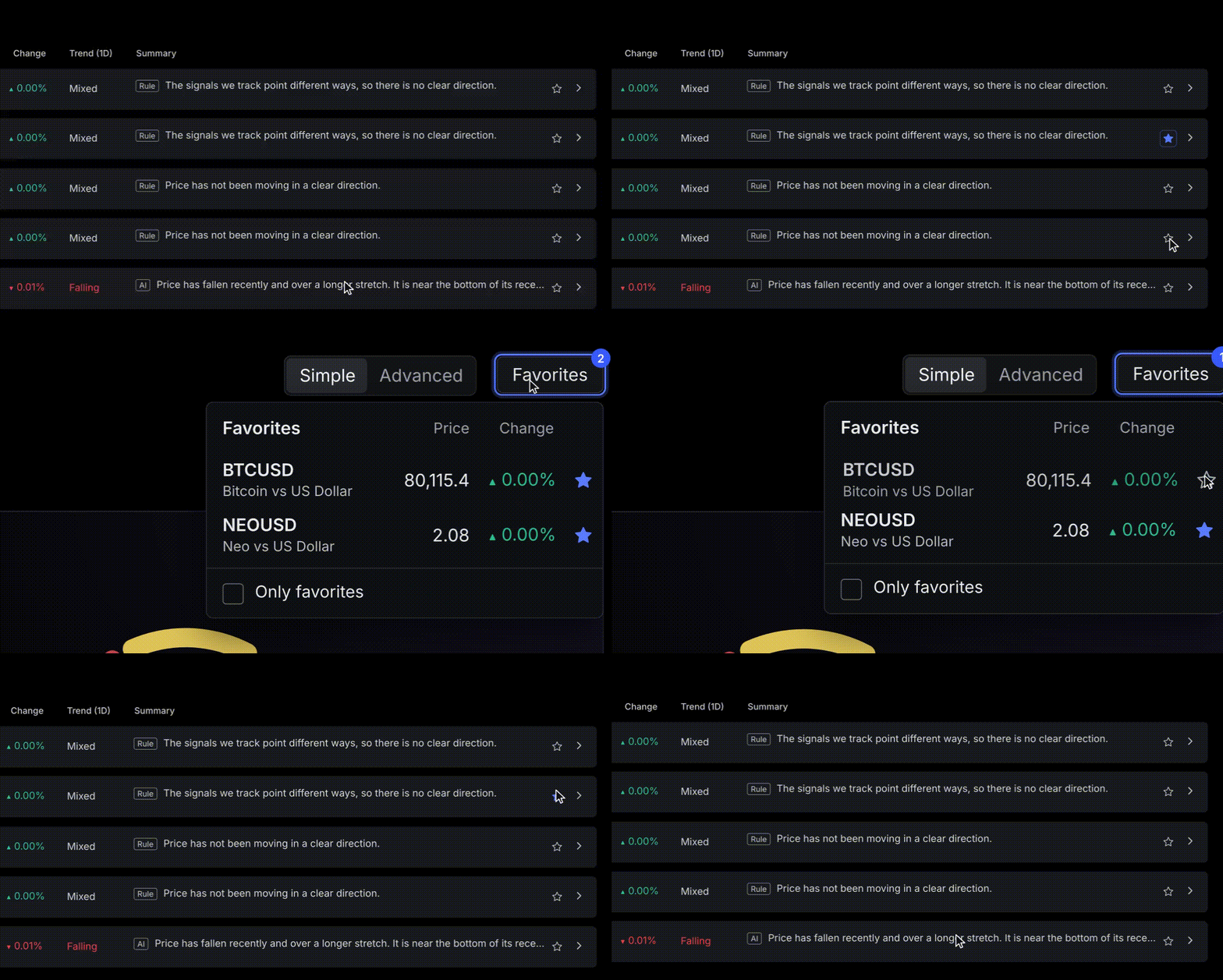
Step 5: Star your favourite markets
Only follow a handful of markets? Star them, and the scanner shows just those. You’ll need a TradeLocker Profile for this.
Signals and AI summaries are information for you to review, not trade recommendations, and they can be wrong. The scanner isn’t filtered by broker, so some instruments may not be available at yours. Read more about risk management before you trade.
Intraday scans with TradeLocker Pro
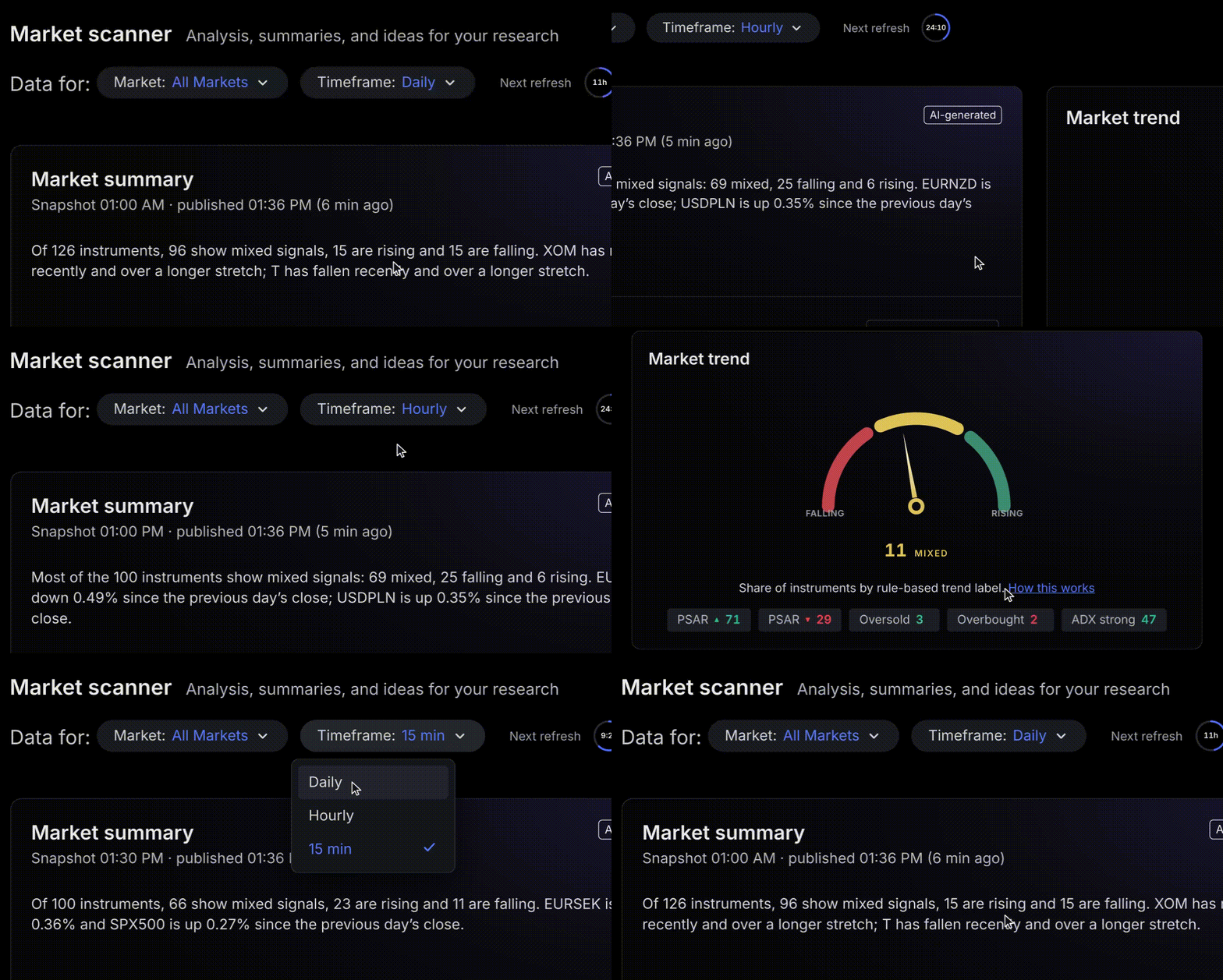
If you trade intraday, a daily view may not match how you trade. With Pro, switch the timeframe to 1h or 15m to see what’s changed during your session. AI analysis is available on every timeframe.
Start your 14-day free trial of TradeLocker Pro. A card is required, and you can cancel anytime.
Help us build the perfect trading platform that prioritises your needs and preferences. Join our Discord community to meet the TradeLocker team and other traders, discuss upcoming features, and chat with us directly.
