With a TradeLocker Profile, your TradeLocker demo account and any connected demo and live accounts all live in one place. Switching between them takes one click, no logging out, no re-entering credentials.
How to Switch Accounts on TradeLocker
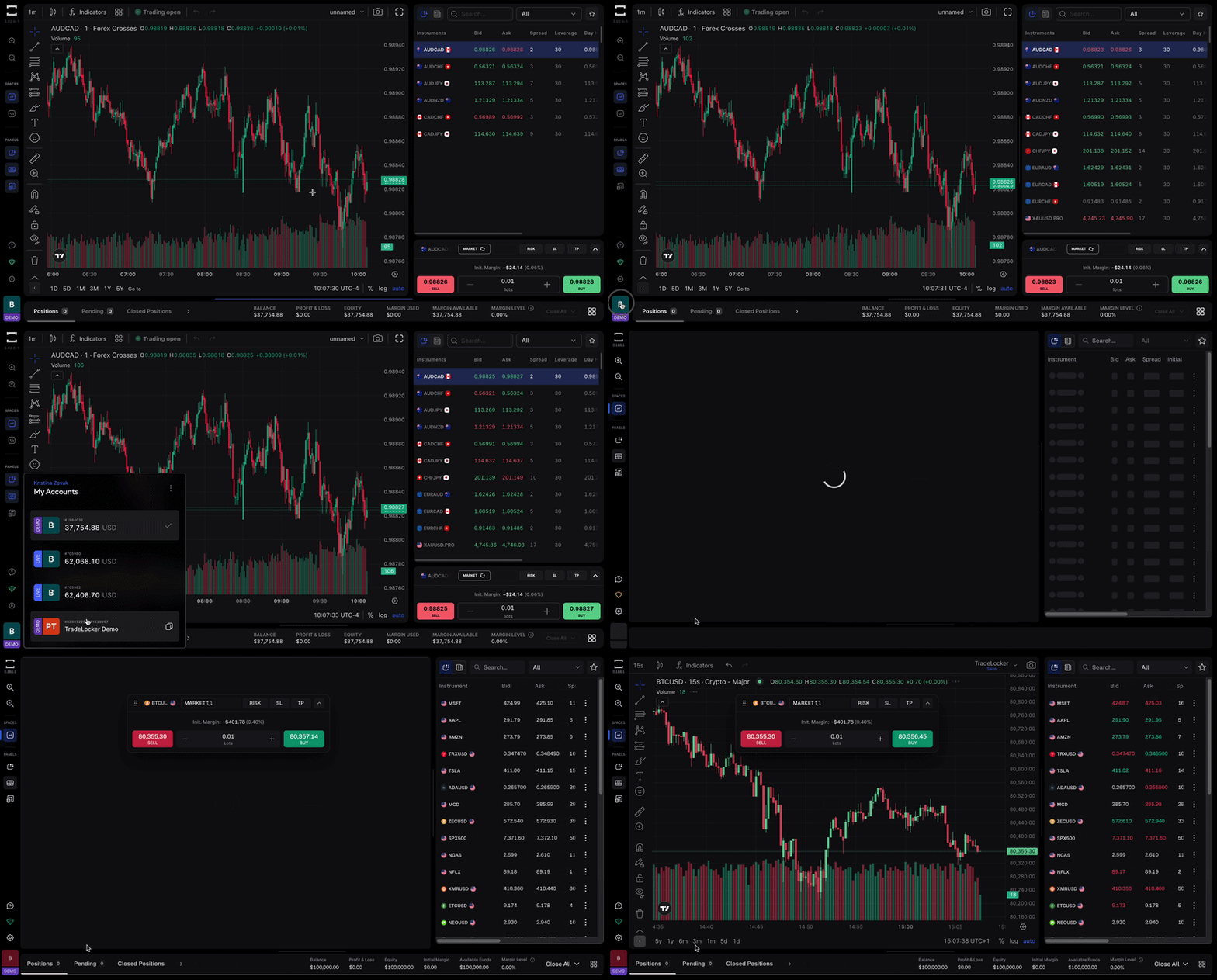
Step 1: Open the account tab
Click your account icon in the bottom left bar. A dropdown will show all accounts connected to your TradeLocker Profile, your demo account and any broker or prop firm accounts you’ve added.
Step 2: Select the account you want
Click any account in the list. The platform switches instantly.
Step 3: Start trading
You’re now in the selected account. The market data, charts, and tools are the same, only the account balance and positions change.
Switching from Demo to Live for the First Time
If you’ve been using the TradeLocker demo and you’re ready to trade with real money, you’ll need to connect a broker or prop firm account to your TradeLocker Profile first. Once connected, it appears in the account tab alongside your demo.
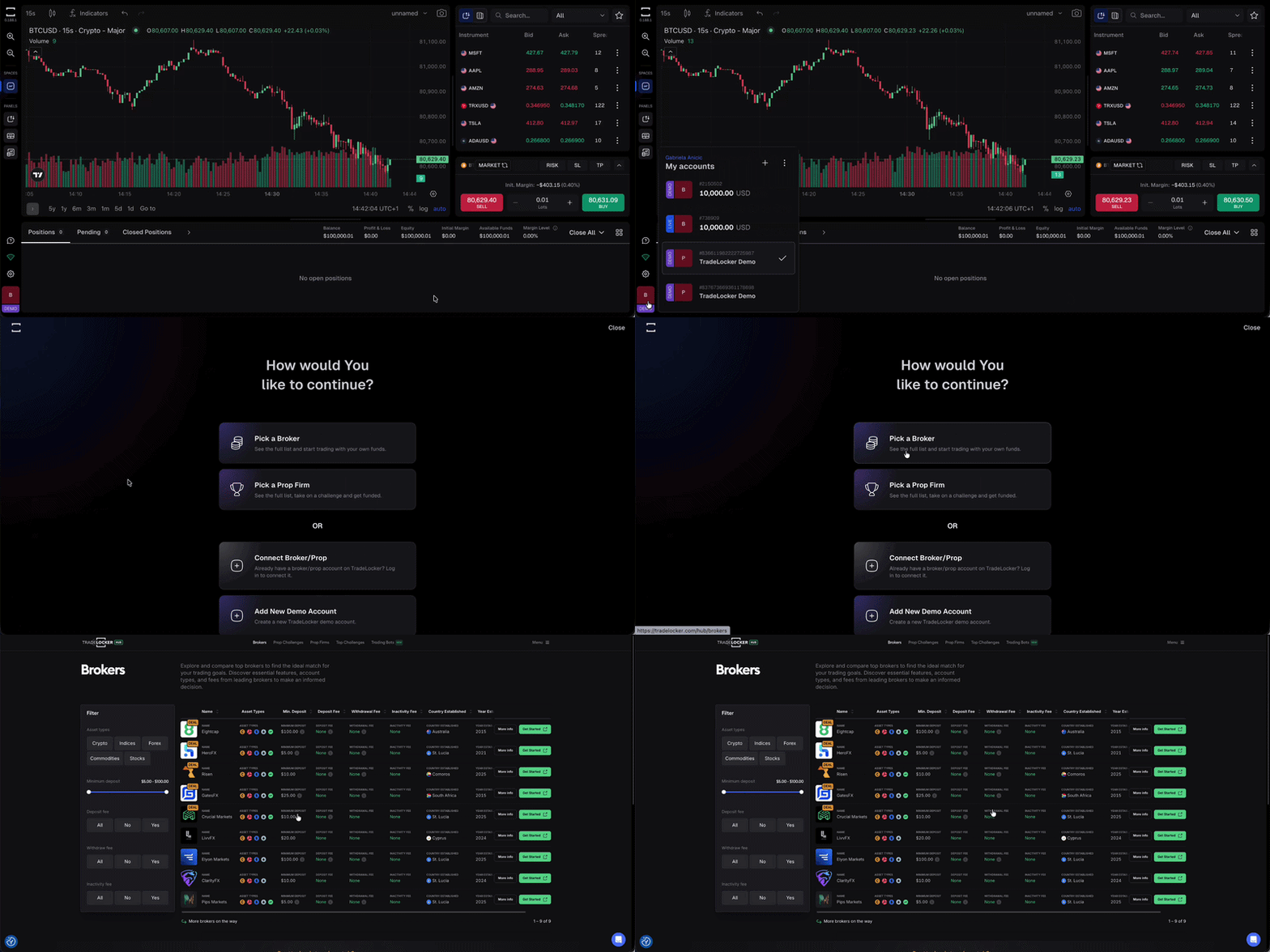
You don’t have to choose between demo and live. Many traders keep both active at the same time, using the demo to test strategies before running them on a live account.
